
Laptops & Gear
for Your Desk
The hardware that makes working from home feel easier — laptops, keyboards, mice, docks, webcams, and small upgrades you'll actually notice. Real picks at every budget with links to the exact products.

Laptops Worth Buying
The computer you stare at for 8 hours a day. If you're buying a new one, start here.
MacBook Air (M4, 2025)
The best laptop for most people who work from home. 15-hour battery, silent (no fan), and the M4 chip handles everything short of heavy video editing. The 15-inch model at $1,299 is the sweet spot for screen real estate without the Pro's weight.
Best battery life in any laptop. Weighs 2.7 lbs. Fast enough for 95% of remote work. The default recommendation.
MacBook Pro (M4 Pro, 14")
For developers, designers, and video editors. The M4 Pro chip, 120Hz screen, and better speakers make it worth the upgrade if you push your machine hard. Overkill for email and Slack — get the Air instead.
The screen (mini-LED, 120Hz) is the best on any laptop. Buy this if you compile code or render video regularly.
Dell XPS 14
The best Windows laptop for home office work. Beautiful OLED display, excellent keyboard, and solid build quality. The 14-inch size hits the sweet spot between screen space and portability. Cheaper than a MacBook Pro but close in quality.
Best Windows alternative to MacBooks. OLED screen is gorgeous for documents. Keyboard is one of the best on any laptop.
ThinkPad X1 Carbon (Gen 13)
The workhorse. 2.4 lbs, legendary keyboard, built to survive travel and coffee spills. Not the prettiest screen, but it's the laptop IT departments buy for a reason: it never dies. Best keyboard on any laptop, period.
Best keyboard. Lightest full-power laptop. Built like a tank. The ThinkPad keyboard alone is worth the price.
Framework Laptop 13
The laptop you can actually repair and upgrade. Swap the RAM, storage, battery, or even the motherboard yourself. Every part is labeled and replaceable. If you care about not throwing away a laptop in 4 years, buy this.
Fully repairable and upgradeable. Swappable ports. This is the anti-planned-obsolescence laptop.
Keyboards & Mice
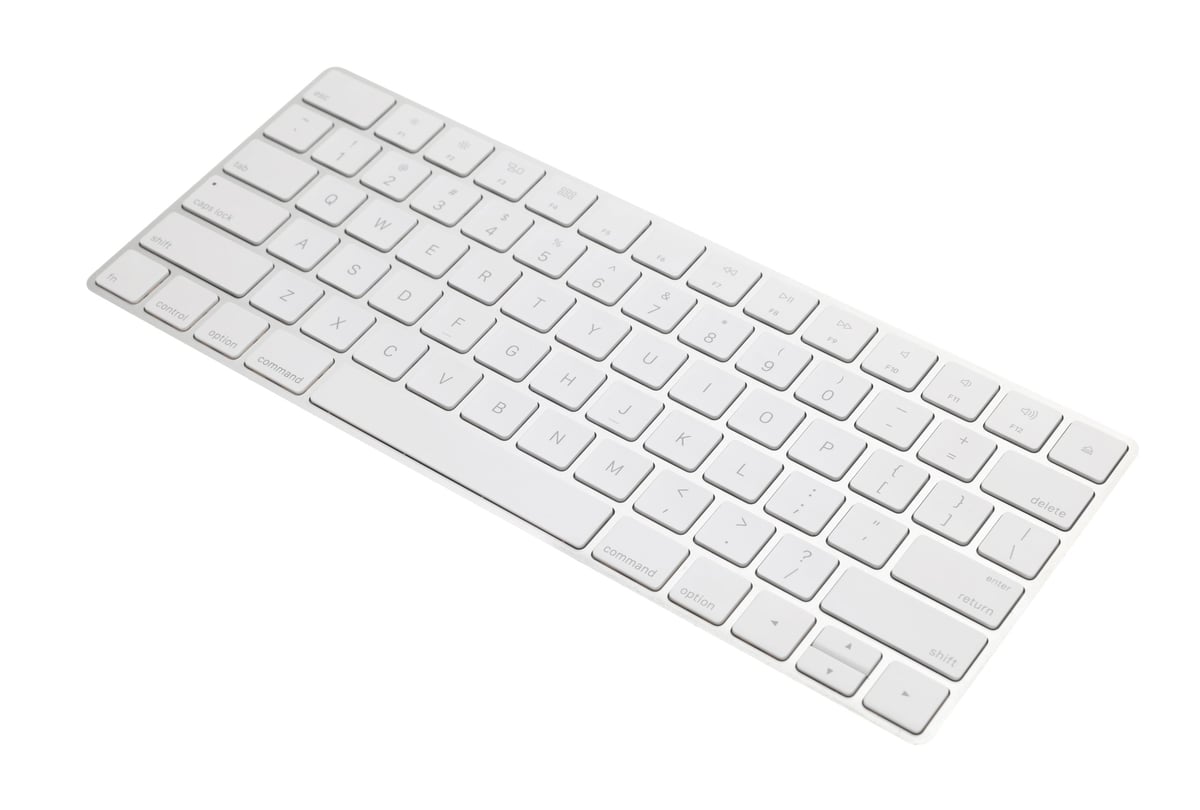
External keyboard and mouse are the cheapest ergonomic upgrade. Your wrists will thank you within a week.
Logitech MX Keys S
The best all-purpose keyboard for home office work. Low-profile keys, excellent backlighting (hands sense when they approach), USB-C charging, and switches between 3 devices with a button press. Pair it with the MX Master mouse for the best combo.
Best typing feel in a low-profile keyboard. The smart backlight saves battery. Switch between laptop and desktop instantly.
Logitech MX Master 3S
The mouse everyone recommends for a reason. Ergonomic shape, magnetic scroll wheel that switches between clicky and free-spin, and a thumb scroll wheel for horizontal scrolling. 70-day battery on USB-C. Quiet clicks.
The horizontal scroll wheel is the killer feature. Once you use it for spreadsheets and timelines, you can't go back.
Keychron K8 Pro
Entry-level mechanical keyboard that doesn't feel entry-level. Hot-swappable switches (change them without soldering), Bluetooth for 3 devices, and the satisfying mechanical feel that makes typing more enjoyable. Get the brown switches for a balance of feel and noise.
Best value mechanical keyboard. Hot-swappable switches let you experiment. Bluetooth connects to 3 devices.
Logitech Lift Vertical Mouse
Vertical (handshake-position) mouse that reduces wrist strain. Available in left-handed and right-handed versions, and in small/medium/large sizes. If your wrist hurts at the end of the day, switch to this for a week.
The cheapest fix for wrist pain. Vertical position reduces forearm pronation. Comes in sizes — most vertical mice don't.
Docks, Hubs & Cables
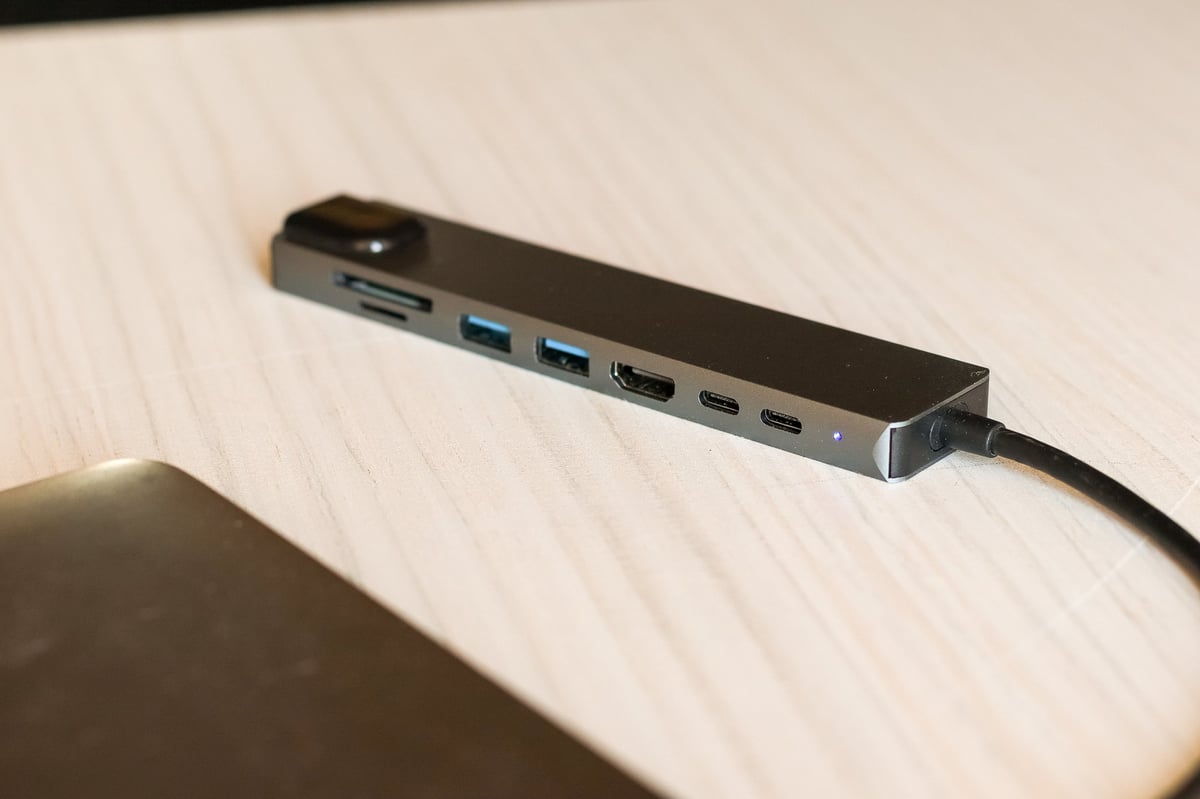
The stuff that connects everything. A good dock turns one cable into a full desktop setup.
CalDigit TS4 Thunderbolt Dock
The best Thunderbolt dock. 18 ports(!) including 2.5Gb Ethernet, SD card slot, and 98W charging to your laptop. One cable connects your monitor, keyboard, mouse, ethernet, and power. The gold standard for a reason.
One cable connects everything. 18 ports. 98W charging. If you plug in and unplug daily, this pays for itself in time saved.
Anker PowerExpand 8-in-1 USB-C Hub
The affordable USB-C hub that handles 90% of setups. HDMI (4K@60Hz), 100W passthrough charging, SD card reader, 3 USB-A ports, and Ethernet — all for a fraction of the CalDigit price. Good enough for most single-monitor setups.
Everything most people need for $35. 4K HDMI, SD card slot, charging passthrough. The sweet spot of price and utility.
Anker USB-C to USB-C Cable (10 ft)
A quality 10-foot USB-C cable that handles both charging and data. Most included cables are 3 feet and keep you tethered close. A 10-foot cable gives you freedom to move and keeps your desk clean.
Ten feet of freedom for $15. Charges at 100W and transfers data. The cheapest quality-of-life upgrade on this page.
Cable Management Box
A simple box that hides your power strip and all the cable excess. The IKEA Kuggis is $8 and does the job perfectly. Cut a hole in the side for cables, stuff the power strip and excess cable inside, close the lid. Instant clean desk.
Hides the power strip and cable spaghetti. $8. Looks clean. The simplest desk upgrade on the list.
Webcams & Video Gear
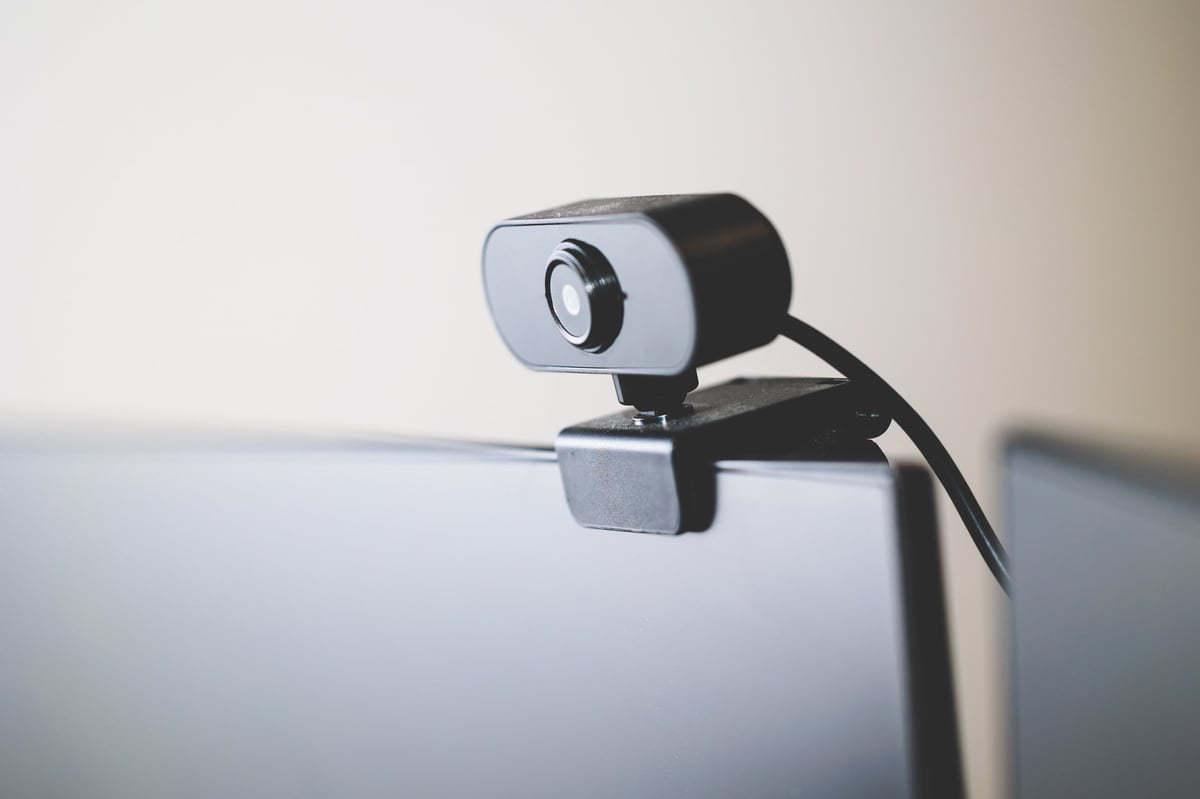
Your laptop webcam is probably fine. If it isn't, here's what to get.
Logitech C920s
The standard-recommendation webcam for a decade, and still the right choice for most people. 1080p/30fps, decent autofocus, and a physical privacy shutter. Better than 90% of built-in laptop webcams. The C920s has the privacy shutter; the older C920 does not.
1080p. Reliable autofocus. Privacy shutter. The default recommendation for a reason — it just works.
Use Your Phone as a Webcam
Your iPhone or Android phone has a better camera than any webcam under $300. Connect it to your computer with EpocCam (free) or Camo ($5/mo) and use it as your webcam. The rear camera on a phone from the last 3 years beats every USB webcam.
Better quality than $300 webcams. You already own the camera. EpocCam is free and works over WiFi or USB.
Opal C1
The webcam that actually looks as good as they say it does. DSLR-quality sensor, excellent auto-exposure, and a built-in microphone array that's genuinely good. Overkill for most people — but if you're on camera all day and want to look your best, this is the one.
Best-in-class image quality. Built-in mic is actually good. If video presence is part of your job, it's worth it.
Desk Accessories Worth Owning
The small things that make your desk feel better without costing much.
Grovemade Desk Shelf
A wooden shelf that sits on your desk, lifting your monitor and creating a space underneath for your keyboard, notebook, or a small plant. Expensive for what it is, but it transforms how a desk looks and feels. The walnut version is beautiful.
Single best aesthetic upgrade for a desk. Lifts the monitor and adds warmth. Expensive but heirloom-quality.
IKEA Elloven Monitor Stand
A bamboo monitor stand with a drawer — $30. Lifts your screen to eye level and gives you a drawer for small items. The budget alternative to the Grovemade shelf that does 80% of the same thing.
Lifts your screen. Has a drawer. $30. The Grovemade alternative for people who'd rather spend $140 on something else.
Ember Temperature Control Mug
A mug that keeps your coffee at exactly the temperature you set (120°F–145°F) for 80 minutes on battery or all day on the charging coaster. Ridiculous? Yes. But hot coffee at 2 PM without microwaving it three times is a genuine quality-of-life upgrade.
Hot coffee all morning. No microwave. If you're a slow drinker who hates lukewarm coffee, you will love this.
Felt Desk Pad
A large felt mat that defines your workspace, dampens keyboard noise, and makes the desk feel warmer. The Grovemade one is $60–80; Amazon has decent ones for $20–30. Get one that's at least 24×12 inches to fit keyboard and mouse.
Defines your workspace. Reduces keyboard noise. Makes any desk feel more intentional. Best $20 desk upgrade.
How to Buy
Work Gear
Buy the keyboard and mouse first
External keyboard + mouse is a $30–200 upgrade that fixes your posture faster than any chair. Do it before anything else.
Used monitors are the best deal in tech
A used 24-inch 1080p monitor costs $40–80. It lasts 5+ years. The depreciation on monitors is steep — let someone else pay it.
One good dock replaces 5 cables
If you plug and unplug your laptop daily, a dock pays for itself in minutes saved and desk cleanliness within a month.
Your phone camera beats your webcam
Before spending $70–300 on a webcam, try using your phone with EpocCam or Camo. It's free and almost certainly better.
Gear Is Fun. Habits
Are What Work.
The right keyboard won't make you productive. The right laptop won't make you focused. But good gear removes friction — and less friction means more days where work actually gets done.