Best WFH Tools
Worth Your Money
Apps, gear, and gadgets that actually earn their keep. No affiliate fluff — just the stuff I use, recommend to friends, and would buy again tomorrow.
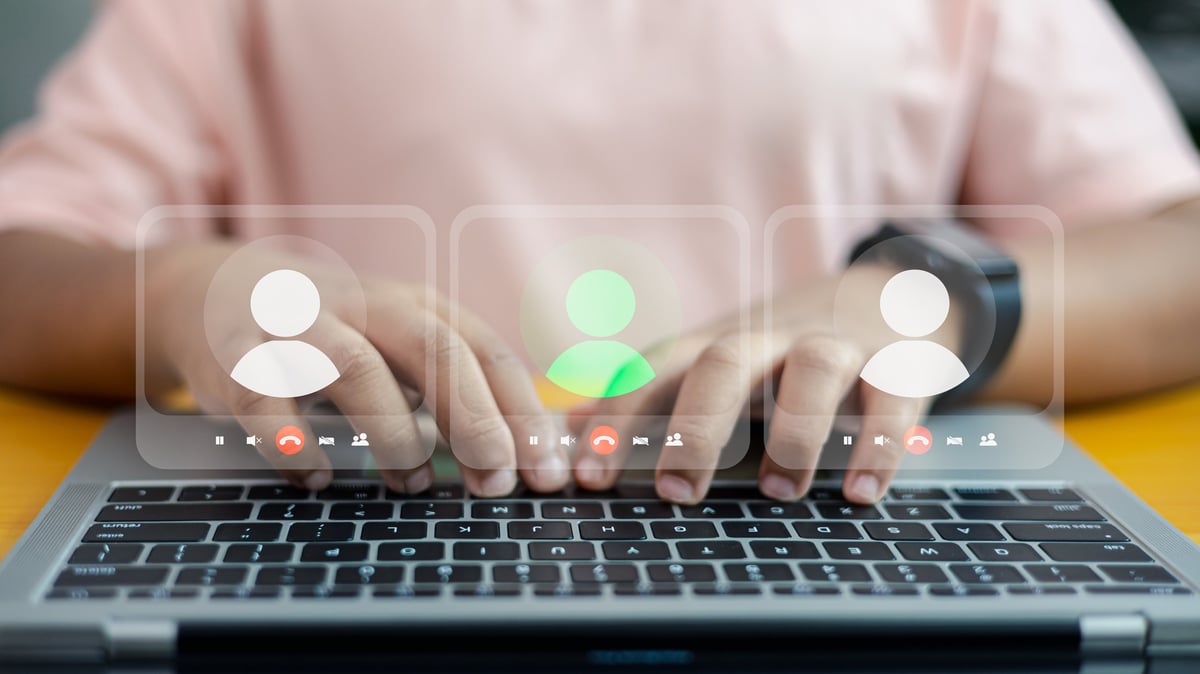
Communication & Video Calls
The tools you use every single day to talk to people. These are the ones worth your time.
Zoom
Still the most reliable video call platform. The free plan gives you 40-minute group meetings; the $15/month Pro plan removes the limit. Keyboard shortcuts for mute (⌘+Shift+A) and video (⌘+Shift+V) are worth memorizing.
Best video quality under bad WiFi. Virtual backgrounds work better here than anywhere else.
Slack
The standard for async team chat. The free plan is generous. Pro tip: set notification hours so Slack doesn't ping you at 9 PM. The 'remind me' feature (/remind me to check this in 2 hours) is the most underrated productivity feature.
Replaces 40% of meetings with a 2-sentence message. The search is genuinely good.
Loom
Record your screen + face and send a link instead of scheduling a meeting. For walkthroughs, bug reports, and 'here's how to do this thing' messages, it's faster than typing and clearer than an email.
A 3-minute Loom replaces a 30-minute meeting. The async video format is the future of work communication.
Discord
Originally for gamers, now widely used by remote teams and communities. Voice channels you can drop into casually — no scheduling, no links, just hop in. Lower audio latency than Zoom or Slack huddles.
The drop-in voice channel model is better for quick conversations than scheduling a Zoom link.
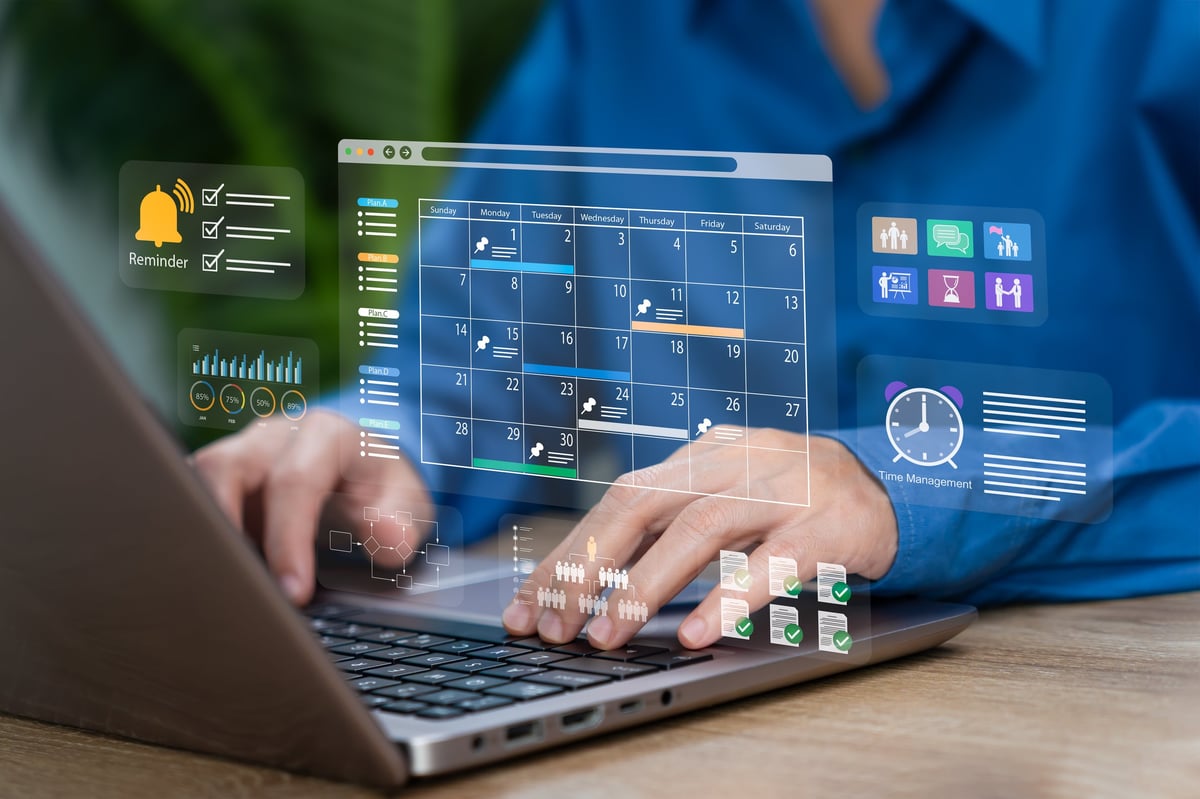
Focus & Deep Work
The hardest part of working from home is staying focused. These tools help.
Focusmate
Virtual coworking: you get paired with a stranger on video, you each state your goal, you work silently for 50 minutes, you check out. Sounds weird. Works incredibly well. The social pressure of someone else working makes you work.
The single most effective focus tool I've ever used. Accountability without having to know anyone.
Brain.fm
Music designed to help you focus — not just 'lo-fi beats to study to' but actual audio engineered with rhythmic patterns that supposedly entrain your brain. The science claim is debatable; the focus effect is real.
Unlike Spotify, there's no decision fatigue. You click 'Focus' and it plays exactly what you need.
Freedom
Blocks distracting websites and apps across all your devices at once. Start a session on your laptop and your phone is blocked too. You can't cheat by picking up a different device.
Cross-device blocking is the killer feature. Most blockers only work on one device. Freedom blocks everywhere.
Cold Turkey Blocker
The nuclear option for distraction blocking. Once a block is scheduled, you cannot turn it off — even by uninstalling the app. For people who will absolutely find a way around a gentler blocker.
Un-cheatable. When you need to Not Be Able to access Reddit for 3 hours, this is the tool.
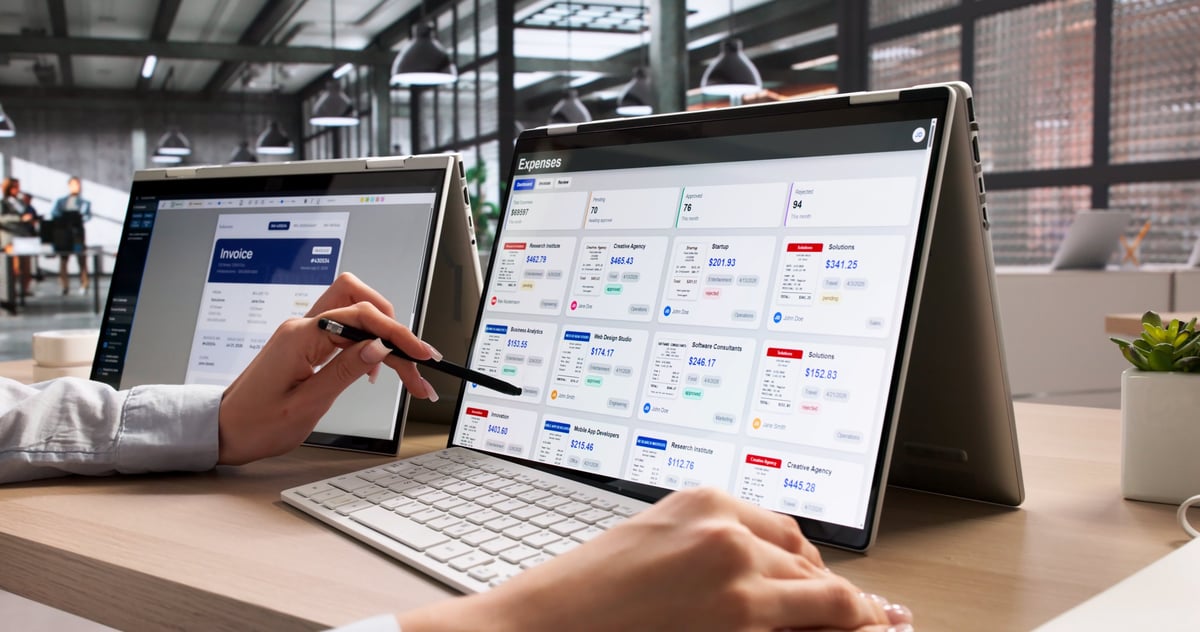
Notes & Organization
Where you put your thoughts so they don't live in your head. These are the best writing and organizing tools.
Notion
All-in-one workspace: notes, databases, wikis, project tracking. Extremely flexible — which is both its strength and its weakness. Start simple (a few pages and a task list) and add complexity only when you need it. The personal plan is free.
Replaces 4 separate tools (notes, tasks, wiki, spreadsheets-light) with one. Your brain's external hard drive.
Obsidian
Local-first, plain-text Markdown notes that link to each other like a personal Wikipedia. Your notes live on your computer as actual files — not in a cloud service that might disappear. The graph view showing connections between notes is genuinely useful.
Your notes are actual files on your computer. No account required. They'll still be readable in 20 years.
TickTick
Todo list + calendar + habit tracker + Pomodoro timer — all in one app that's faster than Notion and more feature-rich than Apple Reminders. The natural language input ('call dentist tuesday 3pm') actually works.
Combines task management, calendar, and focus timer. One app instead of three. Cross-platform sync is fast.
Apple Notes / Google Keep
The notes app you already have. For quick capture — grocery lists, random ideas, things you need to remember for 24 hours — these are faster than Notion or Obsidian. Use these for quick capture, your main tool for long-term thinking.
Zero friction. Opens instantly. Syncs to your phone. The best notes app for anything you'll reference in the next 3 days.
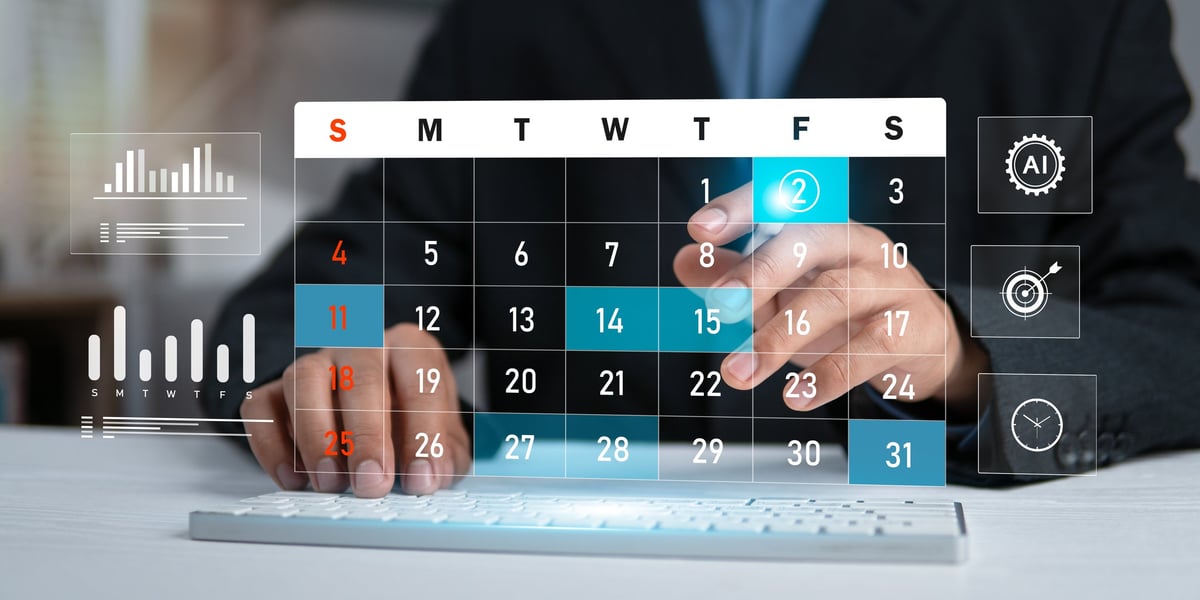
Calendar & Scheduling
Your time is the resource. These tools help you manage it without endless email threads.
Calendly
Send a link, people pick a time, it shows up on your calendar. Eliminates the 'what time works for you?' email thread forever. The free plan covers one event type; paid adds round-robin, group events, and integrations.
The single highest-ROI tool for anyone who schedules meetings with people outside their company.
Fantastical
The best calendar app on Mac and iOS. Natural language event creation ('Lunch with Sarah Friday at noon at the taco place'), beautiful views, and excellent widgets. If you live in your calendar, the $57/year is worth it.
Natural language input saves 15–30 seconds per event. That adds up to hours over a year.
Cron
Acquired by Notion but still available standalone. Fast, clean calendar app with the best 'share availability' feature of any tool. Shows your coworkers' availability without them having to share their full calendar.
The 'share availability' feature alone is worth switching for. No more 'when are you free?' emails.

Files & Sharing
Where your work lives so you can access it from anywhere and don't lose it when your laptop dies.
Google Drive
15 GB free, integrates with everything, and the collaborative editing (Docs, Sheets, Slides) is still the gold standard for real-time co-editing. If you only use one cloud storage service, use this one.
Universal compatibility. Everyone already has a Google account. The collaborative editing actually works.
Dropbox
Best-in-class file sync — faster and more reliable than Google Drive for large files. The smart sync feature keeps files in the cloud until you need them, saving disk space. Better for creative professionals working with large media files.
Faster sync for large files. Better desktop app. Still the go-to for photographers, designers, and video editors.
CleanShot X
The screenshot tool Apple should have built. Take screenshots, annotate them, record screen video (with webcam overlay), and share via a link that auto-expires. Pin screenshots to your screen as floating reference images. Mac only.
If you take more than 3 screenshots a day, this pays for itself in a week. The annotation tools are excellent.
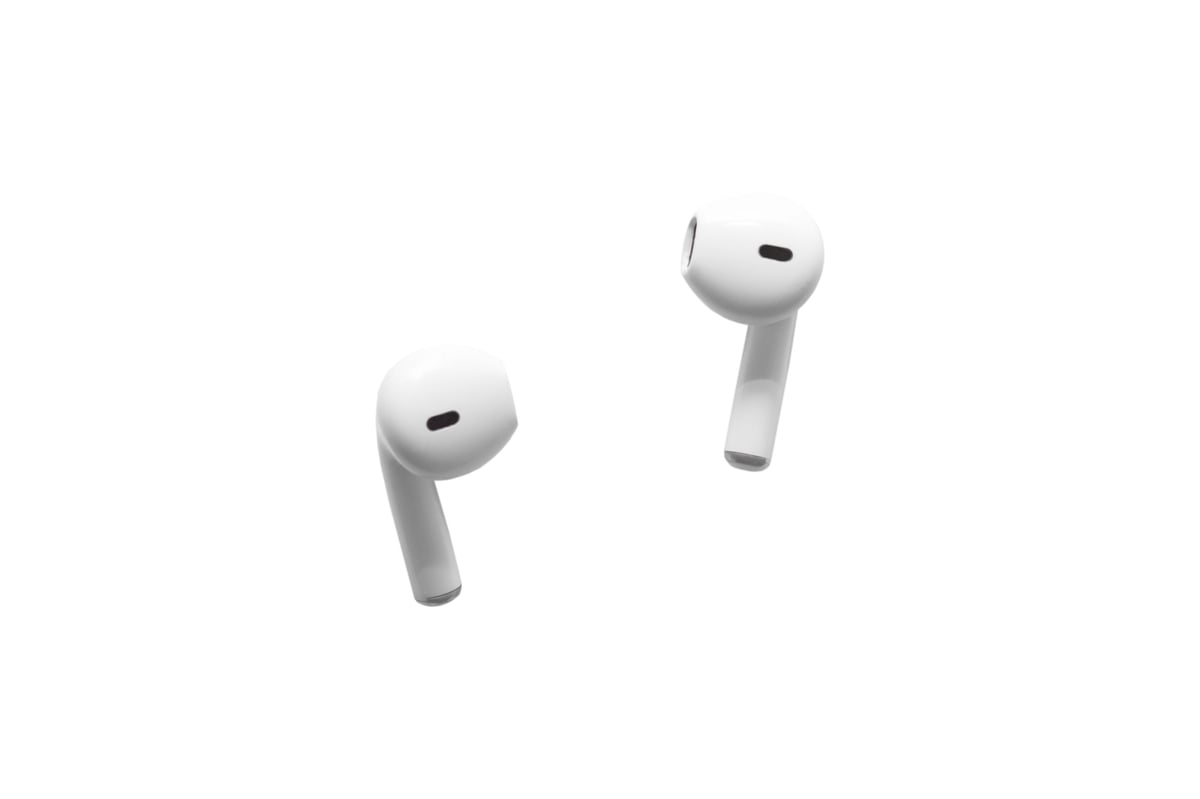
Audio & Music
What goes into your ears all day matters. Here's the gear and services worth paying for.
Spotify
The standard for a reason. The algorithm is good, the playlists are endless, and it's on every device. For focused work, search for 'deep focus' or 'lofi beats' and you're set. The family plan at $17/month for 6 people is the best value.
Best discovery algorithm of any music service. The 'Enhance' button on playlists is magic.
Sony WH-1000XM5
The best noise-canceling headphones for most people. 30-hour battery, comfortable for all-day wear, and the noise canceling makes open-plan spaces and coffee shops workable. Better microphone than the previous XM4 for calls.
Best-in-class noise canceling. 30-hour battery. Wired option for when Bluetooth acts up on a call.
AirPods Pro (2nd gen)
The best wireless earbuds for Apple users. Seamless switching between Mac and iPhone, good noise canceling, and the transparency mode is so natural you'll forget you're wearing them. The microphone is good enough for calls.
Instant pairing across Apple devices. Transparency mode is the best on the market. Tiny case, huge convenience.

Breaks & Wellbeing
Tools that remind you to stop working, stretch, and be a human being for a few minutes.
Time Out
Free Mac app that forces you to take breaks. You set the intervals (e.g. 10 seconds every 15 minutes, 5 minutes every hour), and it dims your screen until you stop. Customizable and non-negotiable. The mini-break reminder to look away from your screen saves your eyes.
The only break reminder that actually makes me take breaks. The screen dim is impossible to ignore.
Stretchly
Open-source break reminder for Windows, Mac, and Linux. Pops up with a stretch idea and a timer. More customizable than Time Out and free without nag screens. Shows you specific stretches with little illustrations.
Cross-platform. Shows you what stretch to do. Free. The Windows alternative to Time Out.
Rise
Sleep tracking that tells you when your energy peaks and dips during the day. Schedule deep work during your peaks and meetings during your dips. More actionable than other sleep trackers because it gives you a real-time energy forecast.
Knowing your energy peaks changes how you schedule your day. Deep work at peak energy = 2× output.
How to Think About
Work Tools
Free first, pay when it hurts
Start with the free plan of every tool. Upgrade only when you hit a specific, named limitation that's costing you time.
One tool per job
Don't maintain two to-do apps or two note apps. Pick one for each category and commit for at least a month before switching.
The best tool is the one you use
A 'worse' tool you actually open every day beats a 'better' tool you avoid because it's too complex.
Cancel unused subscriptions monthly
Set a calendar reminder for the 1st of each month. Check your subscriptions. Cancel anything you didn't use in the last 30 days.
Tools Help. Habits
Do the Work.
The best tool in the world won't fix a bad routine. Pick your tools, build your habits, and don't spend more time organizing your tools than actually using them.