
Desk Setup Ideas
for Real People
From laptop on the kitchen table to a dual-monitor corner command center — 8 real desk setups ranked by ambition, with honest costs and the person each one is actually right for.

The Kitchen Table
Laptop. Flat surface. Coffee. This is where everyone starts, and honestly — it works better than people admit. The key isn't the gear, it's the ritual: same spot, same time, same setup every day until it feels like work.
Best for
Day-one remote workers. People between desks. Anyone who needs to stop working from the couch immediately — the kitchen table is the fastest upgrade from couch-working.
What You Need
Approx cost: $0 (you own all of this)

The Minimalist
A clean desk with a laptop, maybe an external monitor, and nothing that doesn't earn its square footage. The minimalist setup is about intentional emptiness — every item on the desk was chosen to be there. The empty space helps you think.
Best for
People who get distracted by clutter. Anyone whose brain works better with visual calm. If a messy desk makes you anxious, this is your setup.
What You Need
Approx cost: $200–500 (beyond the laptop)
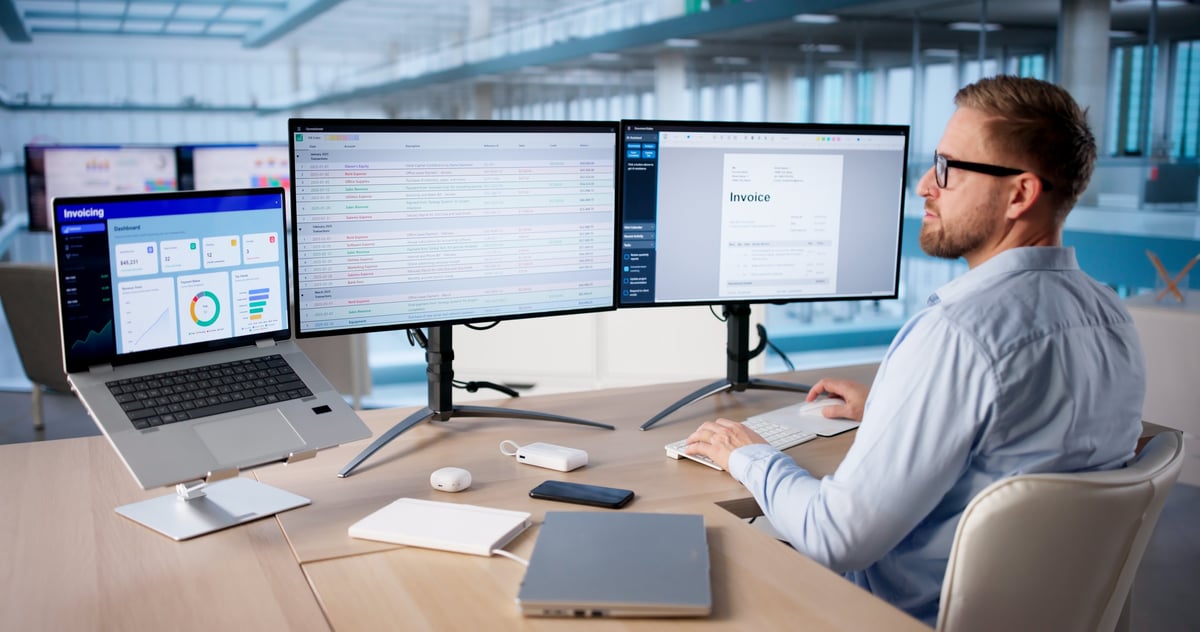
The Dual-Monitor Workhorse
Two screens changes how you work. Reference on one, work on the other. Spreadsheet on one, email on the other. Once you go dual-monitor, single-screen feels like trying to cook in a kitchen with one square foot of counter space.
Best for
Anyone who toggles between windows all day. Spreadsheet workers, designers, developers, writers referencing sources, and people on video calls who need to see both faces and documents.
What You Need
Approx cost: $400–900 (beyond the computer)
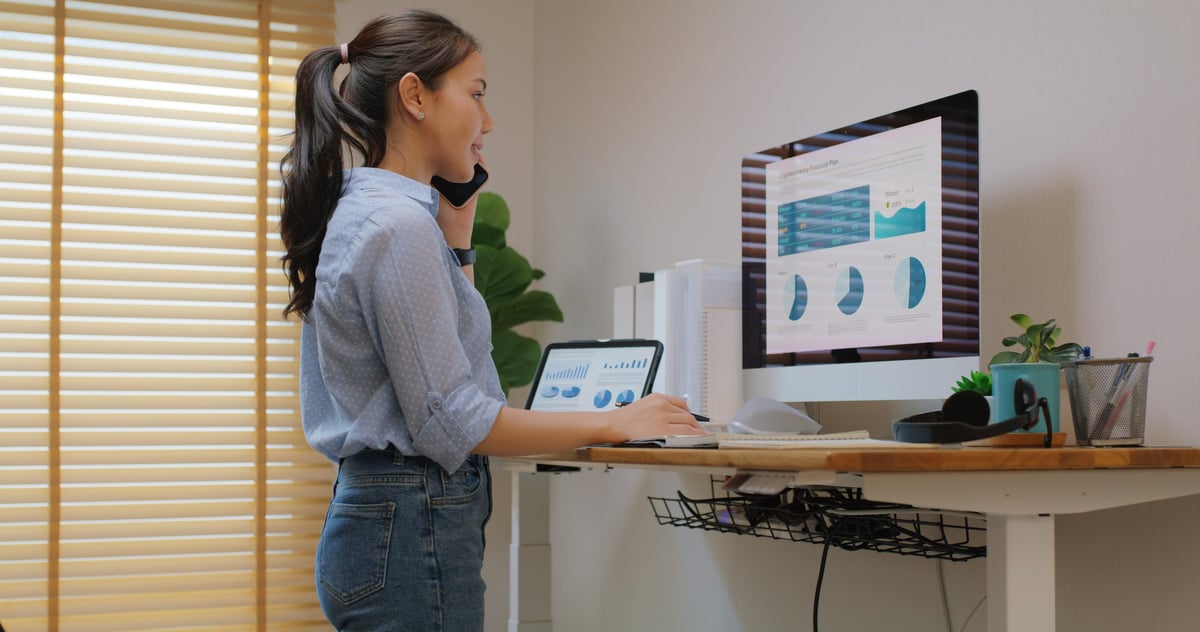
The Standing Desk
You don't stand all day — that's as bad as sitting all day. The magic is switching: sit for 45 minutes, stand for 15, repeat. An adjustable desk lets you change positions without interrupting your flow. After a month, sitting still for eight hours feels weird.
Best for
People with back pain. Anyone who gets fidgety after lunch. If you find yourself slouching into shapes a chiropractor would charge $200 to fix, try standing for part of the day.
What You Need
Approx cost: $250–800
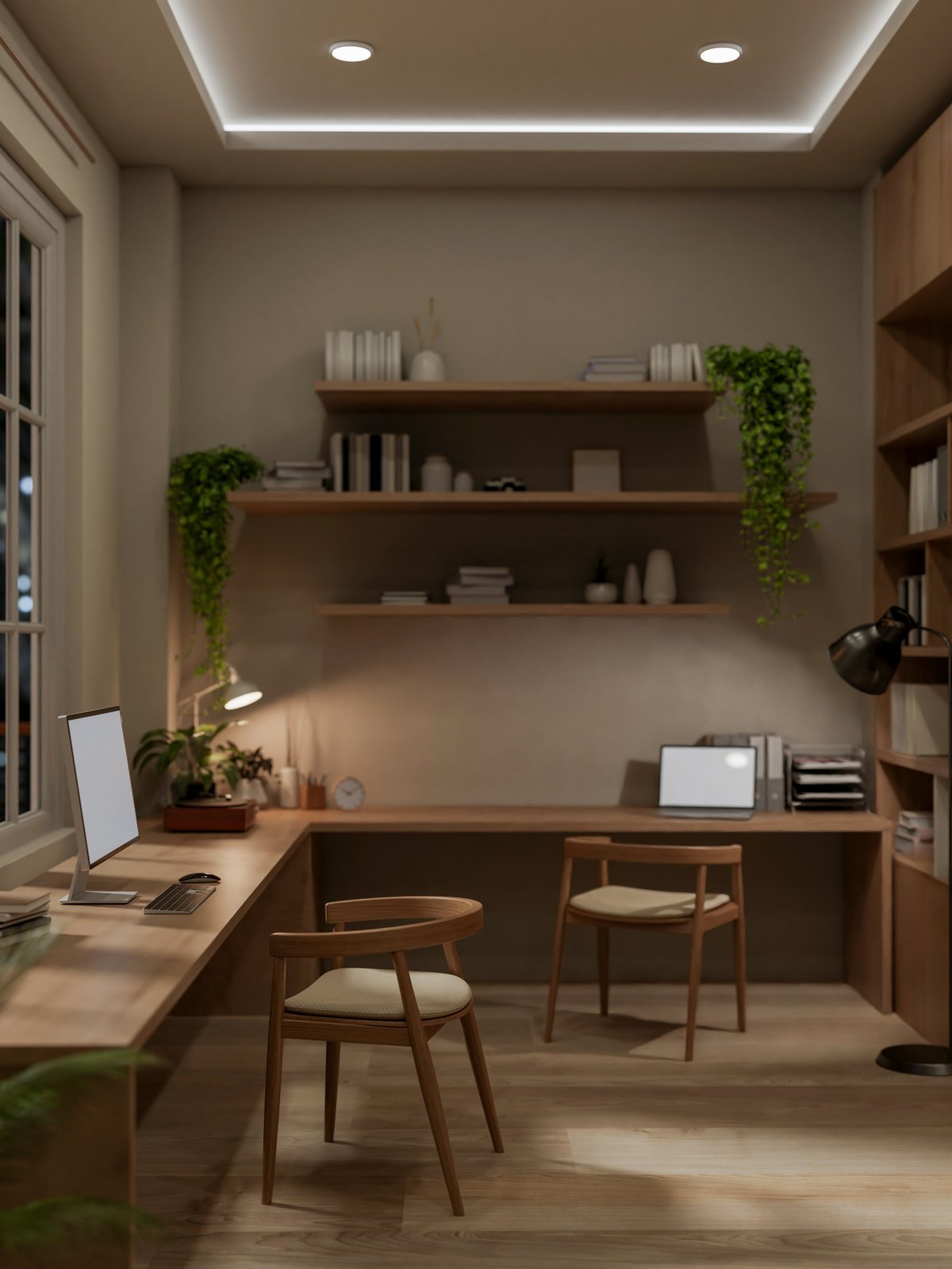
The Corner Command Center
An L-shaped or corner desk gives you two zones: one for computer work, one for everything else — notebooks, reference materials, that thing you're building, the coffee station. The corner becomes a natural cockpit, wrapping around you so everything is within arm's reach.
Best for
People who need both digital and physical workspace. Makers, crafters, people who still use paper, and anyone who keeps pushing piles of stuff to the side of a straight desk.
What You Need
Approx cost: $200–600 (desk only)

The Cozy Creative
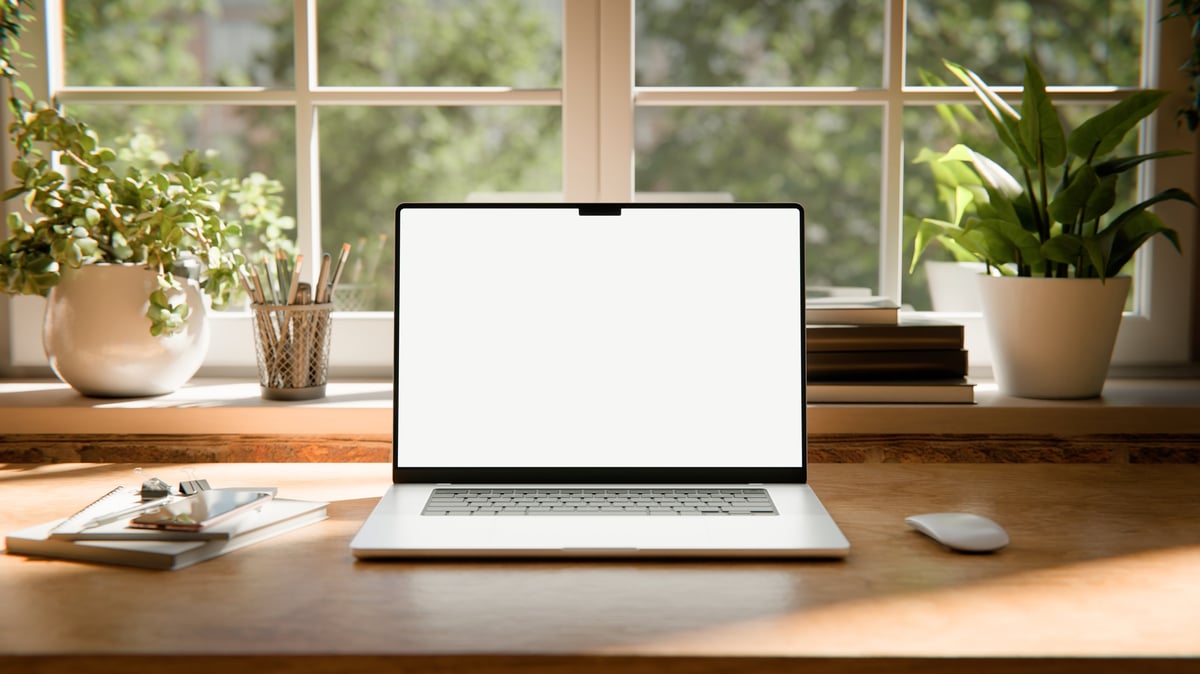
This is the setup for people who work best in a space that feels personal. Plants, warm lighting, art on the wall, a candle, a mug you love, maybe fairy lights if that's your thing. It's less about maximum efficiency and more about creating a space that makes you think 'I like it here.'
Best for
Creative workers, writers, designers, anyone whose mood affects their output. If you do your best work in coffee shops because they feel good, recreate that feeling at your desk.
What You Need
Approx cost: $100–400 (beyond the basics)
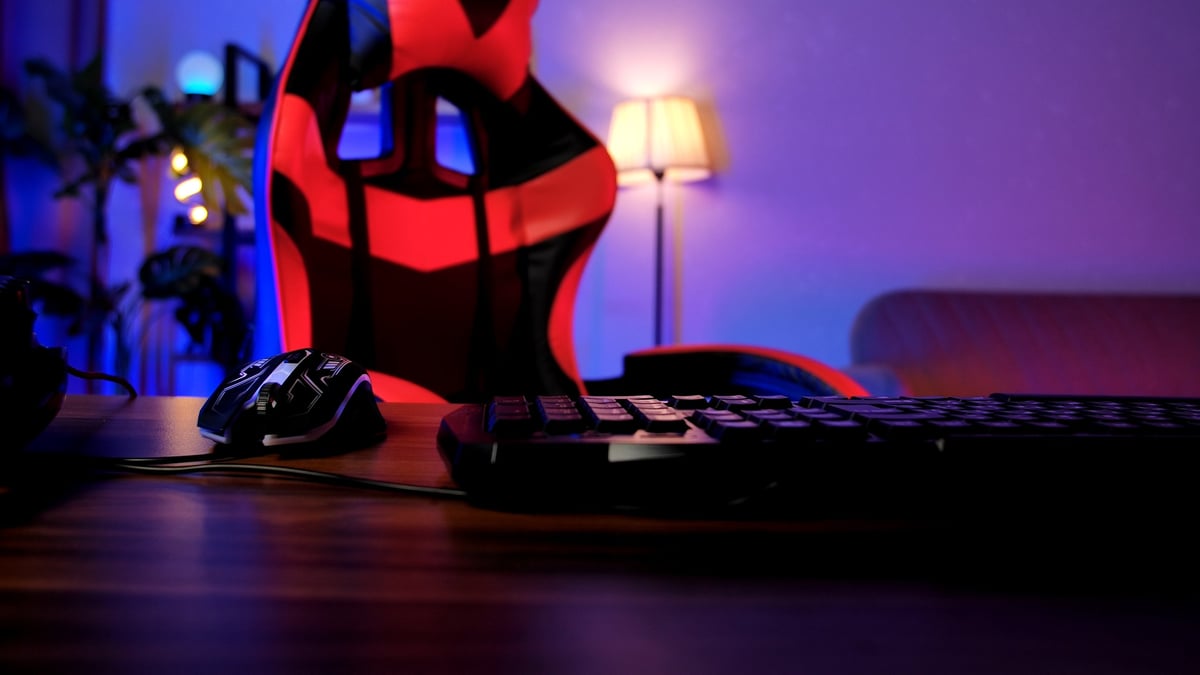
The Gaming Personality Setup
Gaming setups get dismissed as 'not professional,' but they figured out something corporate desks missed: personalization matters. Ambient lighting, a color scheme, a space that feels like yours — those things make you want to sit down and stay a while. You can borrow from gaming aesthetics without the RGB rainbow if that's not your thing.
Best for
Gamers, obviously. But also: anyone who wants their desk to have personality. Creatives, streamers, people who work in tech, and anyone tired of beige minimalism.
What You Need
Approx cost: $150–500 (beyond the basics)
The Nomad
Not everyone has a dedicated desk — and not everyone wants one. The nomad setup is intentional portability: a laptop, a good bag, noise-canceling earbuds, and the ability to set up a productive workspace at the kitchen table, the coffee shop, or the co-working space in under 60 seconds.
Best for
People who move between rooms, houses, or cities. Anyone whose 'office' is a different surface every day. If sitting in one spot all day makes you feel trapped, go nomad.
What You Need
Approx cost: $50–300 (beyond the laptop)
Which Setup Fits You?
The Kitchen Table
Zero cost. Start today. Upgrade later.
The Minimalist
Clean desk = clearer thinking.
Dual-Monitor
Stop alt-tabbing yourself into frustration.
Standing Desk
Sit. Stand. Switch. Your spine approves.
Corner Command
Two zones, one desk, everything in reach.
Cozy Creative
A space you like being in = better work.
Gaming Style
Your desk should look like you, not IKEA.
The Nomad
Packable. Portable. Productive anywhere.
Pick One and
Start Building
You don't have to nail this on the first try. Pick the setup that matches where you are right now. You can always level up later — that's the whole point.