

Tools & Tech
Internet That Doesn't Drop When You're Presenting
Routers, plans, backup strategies, and the setup tweaks that turn "can you hear me?" into "crystal clear" — without spending a fortune.
Your internet is only as good as your worst component
Gigabit fiber through a 10-year-old router crammed behind a TV stand gives you dial-up vibes. A great router on a mediocre cable plan beats a terrible router on gigabit fiber. The chain is only as strong as its weakest link — we'll walk through every link.

How Much Speed You Actually Need
Internet providers will try to sell you their most expensive plan. Here's what you actually need — not what their marketing department wants you to believe.
Budget Basics
100 Mbps is fine for one person. The bottleneck is almost never your plan speed — it's your router, your laptop's WiFi card, or your neighbor's microwave.
Sweet Spot
This is where most remote workers should live. Fast enough that you never think about it, not expensive enough that you resent the bill. Fiber beats cable at any speed level.
No Compromises
Gigabit is wonderful but overkill for most people. If you can get fiber at a reasonable price, get it. If gigabit cable costs $100/mo and 500 Mbps costs $60, take the 500.
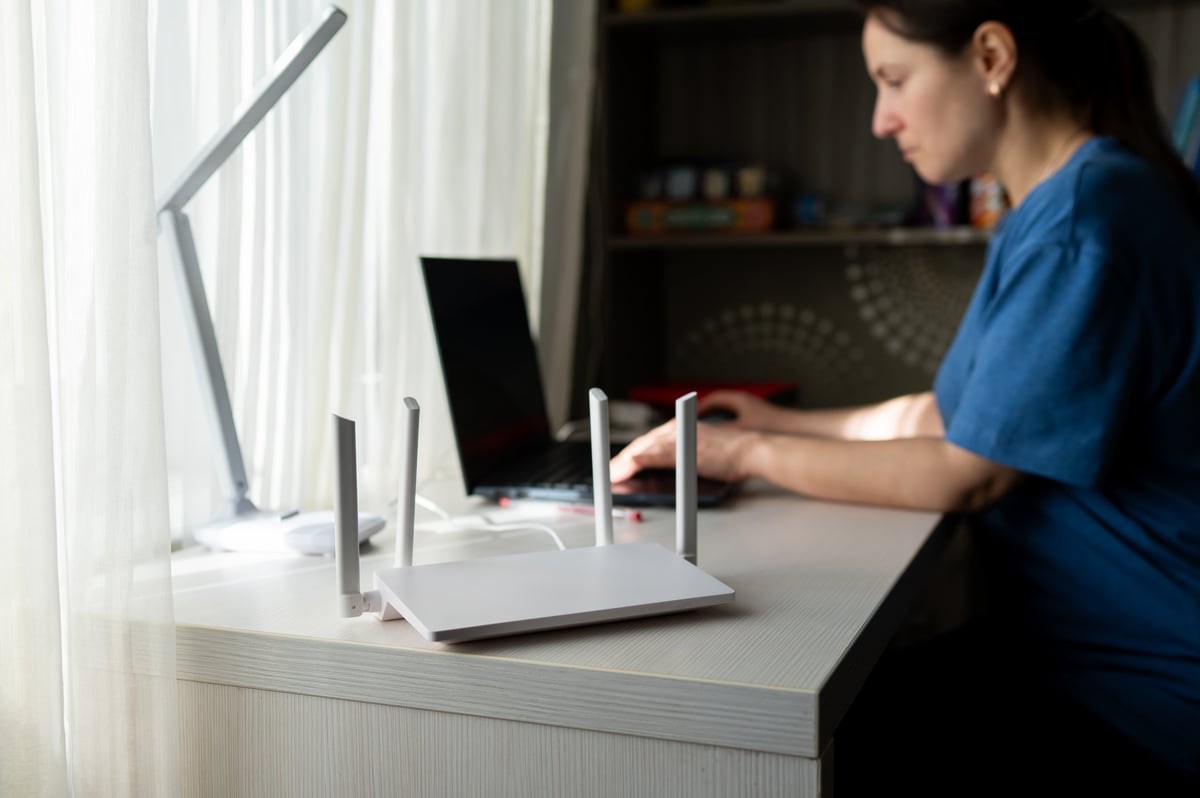
The Router Makes the Difference
The router your ISP gave you is almost certainly mediocre. These four picks cover every budget and house size — from a one-bedroom apartment to a two-story house with a dead-zone basement.
TP-Link Archer AX21
~$75WiFi 6 router that punches way above its price. Covers up to 1,500 sq ft, handles 20+ devices, and the setup app doesn't make you want to throw things. Simple, reliable, and the best value in WiFi.
Kelley's take: Still the best router for normal people. WiFi 6, easy setup, and it just works for months without needing a restart. Unless you have a huge house or 50 devices, this is probably all you need.
Eero 6+ (2-pack)
~$140 (2-pack)Mesh WiFi system that blankets your home in strong signal. Each unit covers 1,500 sq ft, so two covers most homes. Dead simple app, automatic updates, and it actually looks nice enough to leave out.
Kelley's take: The easiest answer to 'my WiFi doesn't reach the back bedroom.' Mesh systems use multiple units to eliminate dead zones. Eero is the most user-friendly of the bunch — set it up in 10 minutes.
Asus RT-AX86U Pro
~$200The enthusiast pick. WiFi 6 with a 2.5G WAN port, gaming-grade QoS, and VPN support built in. Covers 2,500+ sq ft as a single router. The interface is nerdy in a good way.
Kelley's take: If you want one router that handles everything — gaming, streaming, huge file transfers, and a house full of devices — this is it. The VPN server feature is great for secure remote access.
Google Nest Wifi Pro (2-pack)
~$300 (2-pack)WiFi 6E mesh system with a clean design. Each unit is a smart speaker too. Automatic channel optimization and band steering keeps things fast without you thinking about it.
Kelley's take: Good choice if you're in the Google ecosystem. WiFi 6E adds the 6GHz band, which is like having your own empty highway because almost nothing else uses it yet. Slightly overpriced but very polished.

What to Do When the WiFi Dies
Your internet will go out. It's not if — it's when. Here's how to not miss that client call when it does.
Phone Hotspot
Turn your phone into a WiFi hotspot. Most phone plans include 5–40GB of hotspot data. On 5G, it's often faster than home internet. Keep a USB cable handy — wired tethering is faster and charges your phone.
Settings → Personal Hotspot → turn on (iPhone) or Settings → Hotspot & tethering → turn on (Android).
Dedicated Hotspot Device
A standalone mobile hotspot device with its own data plan. Better battery life than a phone, doesn't eat your phone's data, and you can leave it plugged in all day. Inseego MiFi and Netgear Nighthawk M6 are solid picks.
Buy the device ($100–300), add a data plan ($10–30/mo for 5–30GB). T-Mobile and Verizon have the best hotspot-only plans.
Coworking Space or Coffee Shop
The fallback fallback. Know where your nearest reliable WiFi is — library, coffee shop, coworking space, or neighbor. A Day Pass at a coworking space usually runs $20–30 for a full day of solid internet.
Search 'coworking space near me' or check your local library. Download the DayPass app for on-demand coworking day passes in most cities.
Dual ISP Setup
For the truly WiFi-dependent: a second internet connection from a different provider. One cable, one 5G home internet, or even a cheap DSL line. If one goes down, your router can automatically fail over.
Get a router with dual-WAN support (like the Asus above). Plug both modems in. Set failover mode so the backup only kicks in when the primary drops.
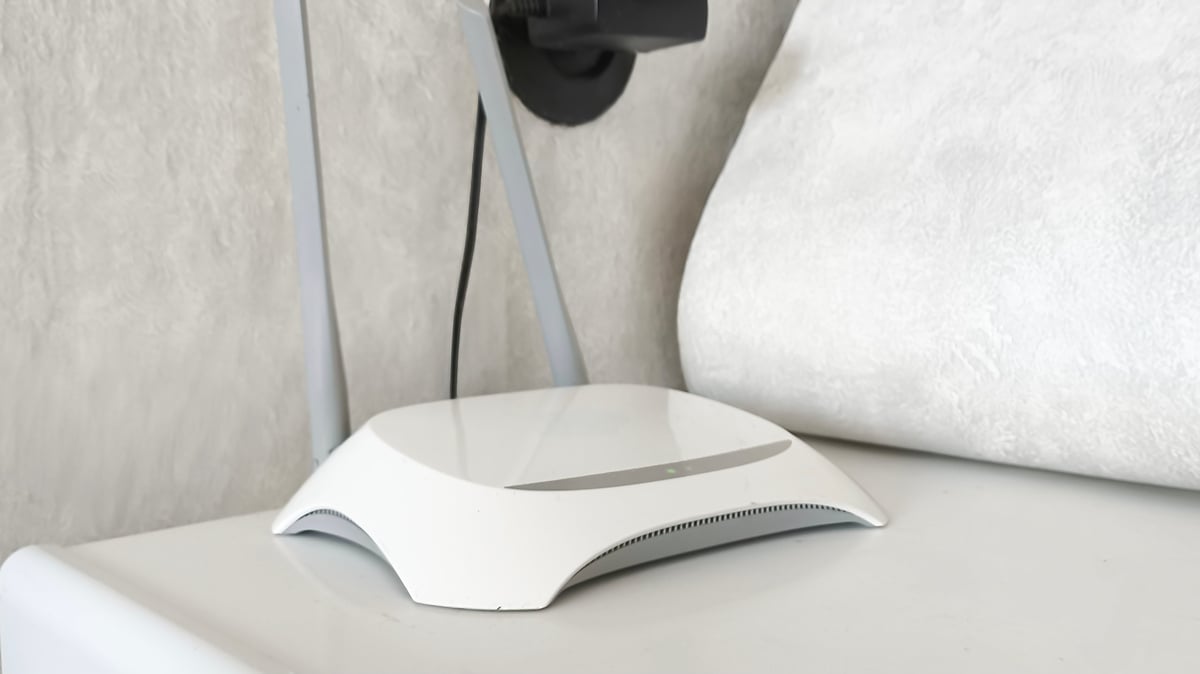
8 Things That Actually Make WiFi Better
Most internet problems aren't your plan — they're the setup. These are the fixes that cost nothing (or very little) and make the biggest difference.
Put your router in the open
FREENot in a closet, not behind your monitor, not under a pile of papers. WiFi signal hates walls, metal, and water (yes, water — including you). Center of the house, up high, nothing around it.
Use Ethernet for your main computer
CHEAPA $10 Ethernet cable gives you faster, more stable, and lower-latency internet than any WiFi setup. If your desk is near your router, plug in. If not, run a flat Ethernet cable along baseboards — it disappears.
Separate 2.4GHz and 5GHz networks
FREEMost routers combine them by default, which means your devices pick whatever they feel like — often the slower 2.4GHz. Split them apart in your router settings, put everything you care about on 5GHz.
Change your DNS server
FREEYour ISP's DNS is slow and they're selling your browsing data. Switch to Cloudflare (1.1.1.1) or Google (8.8.8.8) in your router settings. It makes web pages resolve faster and adds privacy. Takes 2 minutes.
Restart your router monthly
FREEYes, the classic 'turn it off and on again.' Routers develop memory leaks and cache corruption over time. A monthly restart on a schedule (or an automatic reboot in the settings) prevents weird slowdowns.
Update your router firmware
FREECheck your router app for firmware updates every few months. Updates fix security holes, improve performance, and sometimes add new features. Most modern routers auto-update — make sure that's on.
Buy your own modem
CHEAPRenting a modem from your ISP is $10–15/mo forever. A good modem costs $60–100 one time and pays for itself in under a year. Make sure it's compatible with your ISP (check their approved list).
Check for WiFi interference
FREEMicrowaves, baby monitors, cordless phones, and neighbors' WiFi all share the same airspace. Use a free WiFi analyzer app to see what channels are crowded, then switch to a less-busy channel in your router settings.
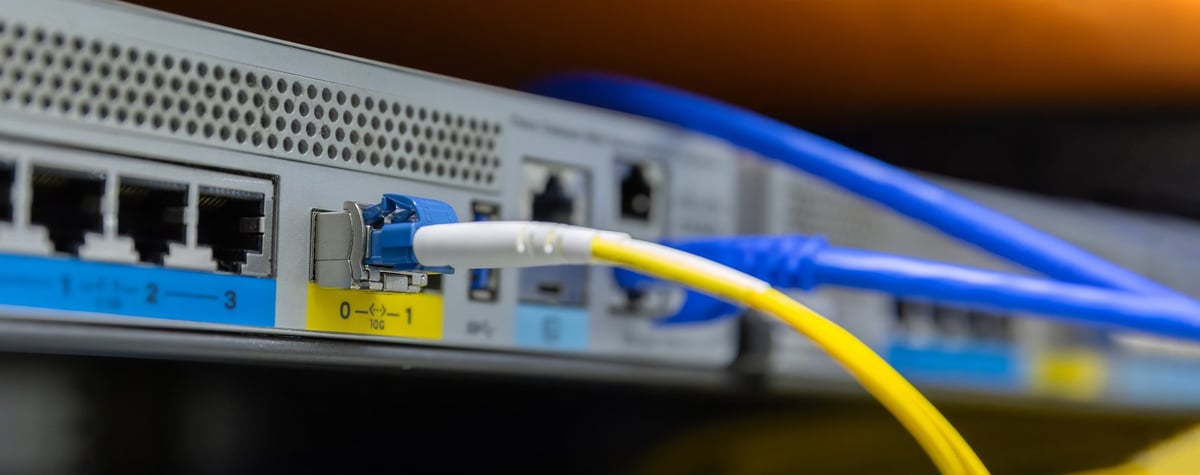
Hardwire What Matters
WiFi is convenient. Ethernet is reliable. For your main work computer, use Ethernet. A $12 Cat6 cable gives you the most stable connection possible — no interference, no congestion, no "why is my video freezing." Run a flat cable along baseboards or use cable clips to make it clean.
Modem recommendation: Arris Surfboard SB8200 (~$130) — works with most cable ISPs, supports gigabit, pays for itself in a year vs. renting.
Cable recommendation: Cat6 flat Ethernet cable, 25–50 ft (~$10–15) — flat cables tuck under rugs and baseboards. Get a longer one than you think you need.
Good WiFi means fewer "you're breaking up" moments
You don't need the most expensive plan or a rack of enterprise hardware. A decent router, good placement, and a backup plan get you 95% of the way there.