

Tools & Tech
The Apps That Make Remote Work Actually Work
The communication, focus, writing, security, music, and scheduling tools that keep your workday running smoothly — with honest reviews from someone who's tried too many apps.

Communication
The apps that keep you connected to your team without turning every day into a notification nightmare.
Slack
Free – $7.25/user/moThe default for team chat. Channels keep conversations organized, huddles are good for quick voice chats, and the GIF game is unmatched. The free plan covers most small team needs.
Kelley's take: Still the best balance of fun and functional. The search is solid, integrations are everywhere, and the mobile app doesn't feel like an afterthought.
Discord
Free – $9.99/mo (Nitro)Originally for gamers, now the secret weapon for small remote teams. Voice channels you can drop into anytime, excellent screen sharing, and a genuinely pleasant UI.
Kelley's take: Voice channels that feel like an open office door. You can just hang out in a channel while working — better than scheduled calls for quick questions.
Zoom
Free – $14.99/mo (Pro)You already know it. Reliable video calls, decent background blur, and the new AI summary feature saves you from taking notes during meetings. The free plan gives you 40-minute group calls.
Kelley's take: It just works. Everyone already has it installed, and that matters more than any feature list. The AI companion summaries are genuinely useful.
Loom
Free – $12.50/mo (Business)Record quick video messages instead of scheduling another meeting. Walk through a design, explain a process, or give feedback — all async. The viewer can react with emoji and comments.
Kelley's take: Replaces at least 3 meetings a week. Async video is the most underrated remote work habit. Record once, your team watches when it works for them.
Focus & Task Management
Tools that help you actually do the work — not just organize it.
Todoist
Free – $4/mo (Pro)Clean, fast task manager with natural language input. Type 'call dentist Thursday 3pm #personal' and it just works. Projects, labels, priorities, and a satisfying karma system.
Kelley's take: The natural language input is magic. Fastest way to get a thought out of your head and into a system. The karma tracking makes to-do lists feel like a game.
Sunsama
$16/moDaily planner that combines your calendar, tasks, and time blocking in one view. Drag your Slack messages, emails, and tasks into your daily plan. Forces you to actually plan your day.
Kelley's take: The only app that makes time-blocking feel natural instead of oppressive. The daily shutdown ritual alone is worth the price — it teaches you to actually stop working.
Forest
$3.99 (one-time)Set a timer, grow a tree. Leave the app before the timer ends and your tree dies. A simple, charming focus timer that makes staying off your phone feel like gardening.
Kelley's take: Weirdly effective. The guilt of killing a tiny digital tree is more powerful than any productivity lecture. Also plants real trees through the partnership with Trees for the Future.
Toggl Track
Free – $9/user/mo (Starter)Dead-simple time tracking. One click to start, one click to stop. Tags, projects, and reports show you exactly where your day went. Great for freelancers billing by the hour.
Kelley's take: The 'oh wow I spend how long on email?' moment is humbling and useful. Even if you don't bill hourly, knowing where your time actually goes changes how you work.
Writing & Docs
Where the actual words happen — from quick notes to long documents.
Notion
Free – $10/mo (Plus)The everything-app. Docs, databases, wikis, project boards, and meeting notes all in one place. The AI add-on can summarize, translate, and generate. Steep learning curve, infinite flexibility.
Kelley's take: One tool that replaces about six others. The database feature turns simple tables into project trackers, content calendars, and CRM. Worth the learning curve.
Google Docs
FreeThe standard for collaborative writing. Real-time editing, commenting, and suggesting mode. Works offline, saves automatically, and everyone already knows how to use it.
Kelley's take: Zero friction. Nobody needs an account tutorial. The suggesting mode is still the best collaborative editing experience in any writing app.
Grammarly
Free – $12/mo (Premium)Writing assistant that catches more than typos. Tone suggestions, clarity rewrites, and audience-aware recommendations. Works everywhere — browser, desktop, mobile.
Kelley's take: Catches the embarrassing mistakes spellcheck misses. The tone detector is genuinely helpful — it once saved me from sending an email that read way more aggressive than I intended.
Obsidian
Free – $50/yr (Sync)Local-first note-taking with linked thought graphs. Your notes are plain Markdown files on your computer — no lock-in, no cloud dependency. The graph view shows connections between ideas.
Kelley's take: Your notes are future-proof. No proprietary format, no cloud-only access. The linked thinking approach changes how you take notes — you start seeing patterns between ideas.

Passwords & Security
Keep your work accounts safe without memorizing 47 different passwords.
1Password
$2.99/mo (Individual)The gold standard for password management. Stores passwords, credit cards, secure notes, and SSH keys. Watchtower flags weak and compromised passwords. Family plan includes 5 people.
Kelley's take: The UX is the best in the password manager space. The travel mode feature (remove sensitive vaults when crossing borders) is a nice touch most competitors don't have.
Bitwarden
Free – $1/mo (Premium)Open-source password manager that does almost everything 1Password does, with a much more generous free tier. Unlimited devices, unlimited passwords, and self-hosting if you're into that.
Kelley's take: The free plan is absurdly generous. If you're not ready to pay for a password manager but know you need one, start here. The open-source transparency is reassuring.
Tailscale
Free – $6/user/mo (Personal Pro)Creates a private network between all your devices. Access your home computer from a coffee shop, share a development server with a teammate, or print to your home printer from anywhere.
Kelley's take: Feels like magic. Set up in 5 minutes and suddenly all your devices are on the same private network. Way simpler than traditional VPNs.
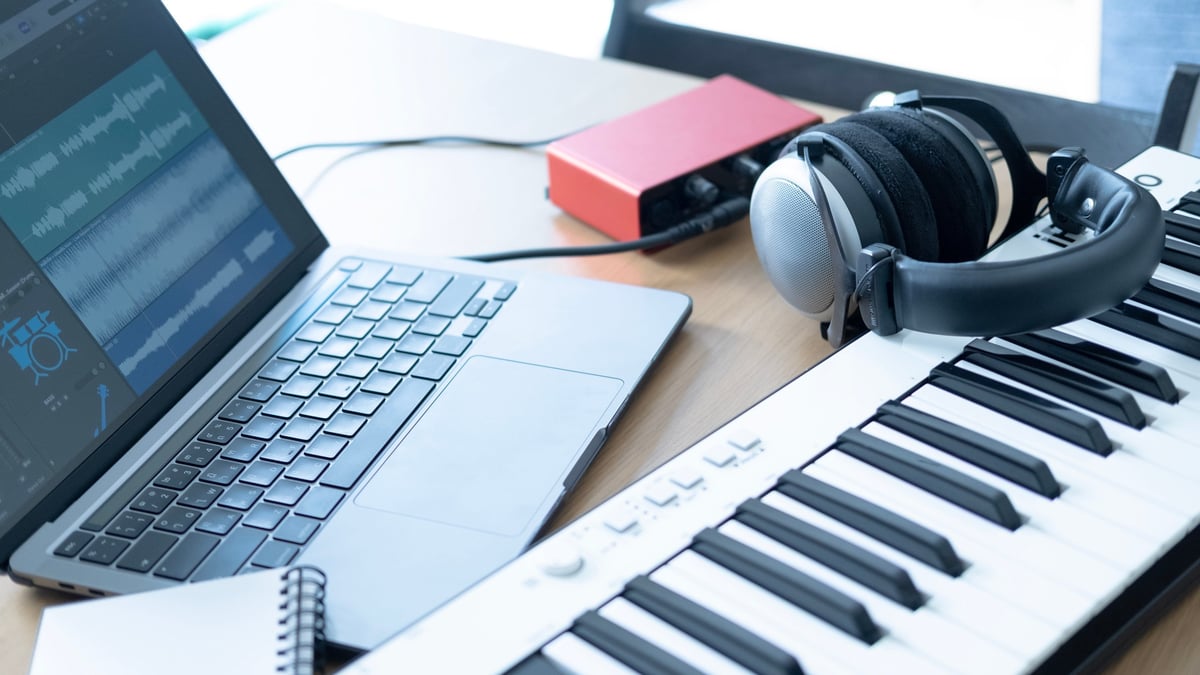
Music & Focus Sounds
The right sound makes the difference between a productive day and staring at the wall.
Spotify
Free – $10.99/mo (Premium)The obvious choice for music. Deep focus playlists, lo-fi beats, classical, ambient — there's a playlist for every work mood. The collaborative playlist feature is fun for team bonding.
Kelley's take: The 'Focus' category has genuinely excellent curated playlists. Deep Focus, Lo-Fi Beats, and Peaceful Piano are my daily rotation. The algorithm learns what you actually work to.
Brain.fm
$6.99/moMusic designed by neuroscientists to improve focus. Not ambient music — actual audio compositions built around attention research. Choose Focus, Relax, Sleep, or Meditate modes.
Kelley's take: It works. I was skeptical too, but the focus tracks genuinely help me get into deep work faster. Something about the rhythmic patterns makes time disappear. Try their free trial.
Noisli
Free – $10/mo (Pro)Mix your own background noise: rain + coffee shop hum + distant thunder. Save combos for different moods. Also has a built-in text editor for distraction-free writing with your noise mix.
Kelley's take: Sometimes music is too distracting and silence is too quiet. The custom mixing is the sweet spot — rain for calm, cafe chatter for energy, white noise for drowning out construction.

Calendar & Scheduling
Stop the back-and-forth emails. These make scheduling feel less like a part-time job.
Fantastical
$6.99/mo (Individual)The best calendar app on Mac and iOS. Natural language event creation ('Lunch with Sarah next Tuesday at noon'), beautiful widgets, and smart scheduling suggestions. Syncs with Google, iCloud, and Outlook.
Kelley's take: Natural language event creation saves so much clicking. The calendar sets view (showing your schedule alongside task lists) is the best daily planning view in any calendar app.
Calendly
Free – $8/mo (Standard)Share a link, let people pick a time that works for both of you. Set availability rules, buffer times between meetings, and daily call limits. Integrates with Zoom and Google Meet.
Kelley's take: Eliminates the 'what time works for you?' email thread entirely. The buffer-time feature (forcing 15 minutes between meetings) is a tiny setting that dramatically improves your day.
Cron
FreeBeautiful, fast calendar app (acquired by Notion). Command bar navigation, quick meeting creation, and shared availability. Feels more like a modern app than any other calendar tool.
Kelley's take: The design is excellent — fast, clean, and thoughtful. The command bar (Cmd+K) makes calendar navigation feel like using a code editor. Currently free while Notion integrates it.
The App Philosophy
A few rules I follow when choosing which apps earn a spot on my dock.
Free tier has to be useful
If the free plan is a glorified demo, I'm not recommending it. Every app on this list has a genuinely usable free tier or a fair price for what it does.
Design matters
You look at these apps for hours every day. If the UI feels like a fight, it doesn't matter how many features it has — you'll stop using it.
One tool, one job
Avoid the 'everything app' trap unless you genuinely need it. Notion is great, but you don't need Notion to manage a grocery list.
Local-first when possible
Apps that store your data on your device (like Obsidian) are faster, work offline, and can't suddenly change their pricing or shut down and take your stuff.
Native beats web
A native Mac or Windows app almost always feels better than a browser tab. Less memory usage, better keyboard shortcuts, and proper notifications.
The best app is the one you use
A simple tool you actually open every day beats a powerful one you avoid. Friction kills habits faster than missing features.
Apps are tools, not solutions
The right app removes friction, but it won't do the work for you. Pick tools that fit your actual workflow — not the workflow you wish you had.