
Look Better
on Every Call
Good lighting is the cheapest upgrade in home office gear. It makes you look more awake, more professional, and more put-together — even on days when you're running on coffee and good intentions.
Light Your Face,
Not Your Ceiling
Overhead lights cast shadows under your eyes, nose, and chin. They make everyone look exhausted. The single biggest upgrade: turn off the ceiling light and put a lamp at face height, pointed at you or bounced off a wall.
5 Ways to Light
Your Workspace
From free to about $150. Each step up makes a real difference on camera.
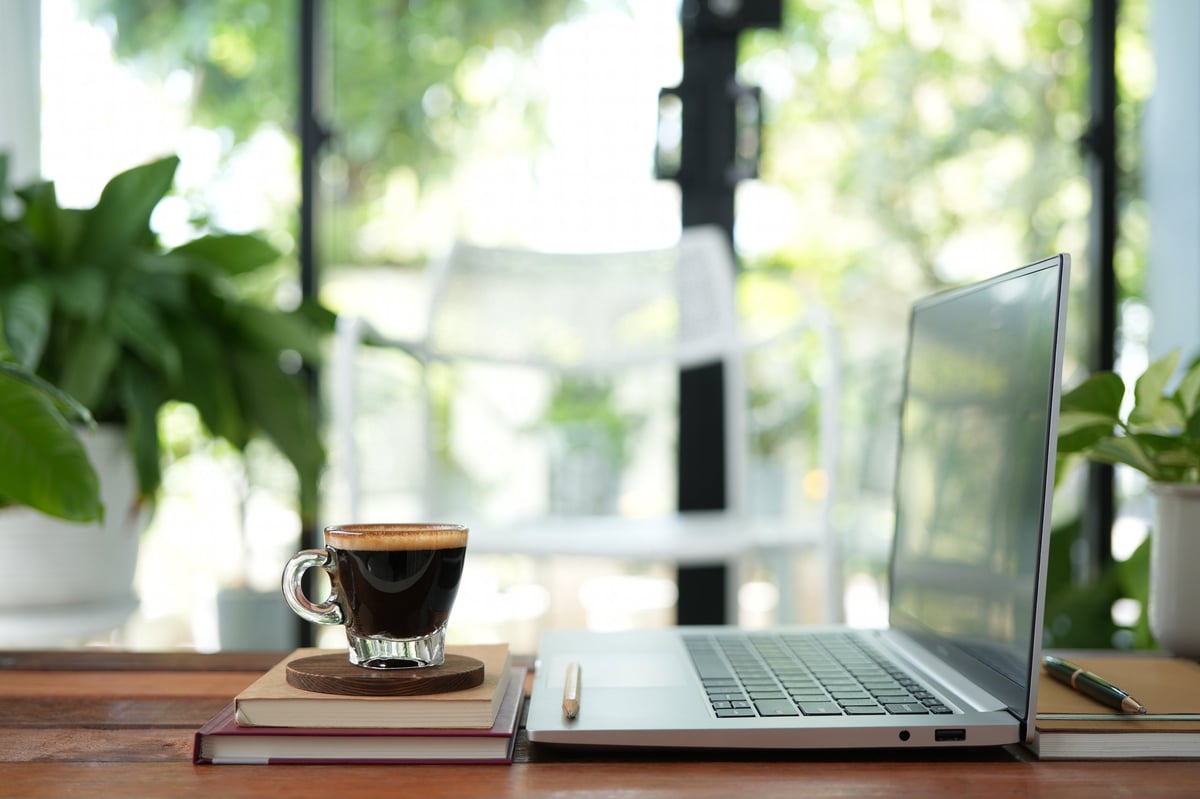
Natural Light (Free)
Face a window. That's it. That's the setup. Natural daylight is the most flattering light source on earth and you already pay for it. Sit facing the window (not with your back to it) so the light falls on your face. If the sun is too harsh, sheer curtains soften it perfectly.
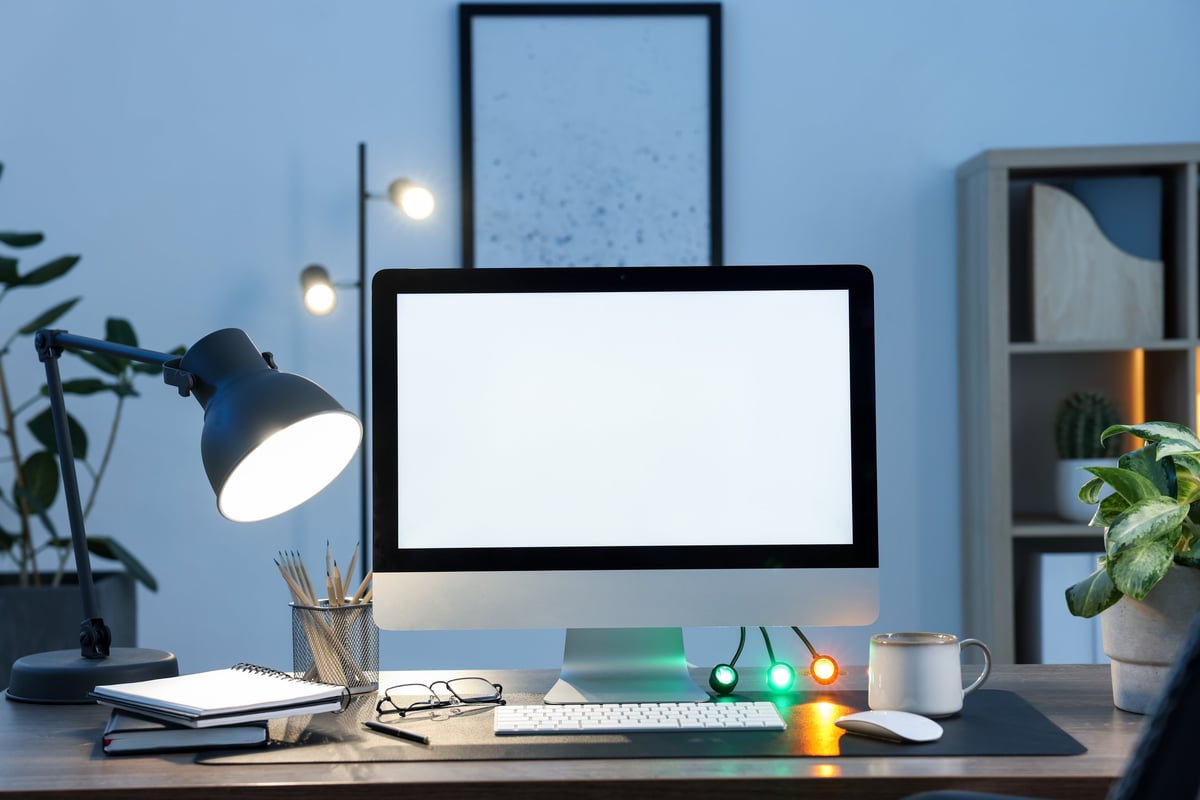
The Desk Lamp
Overhead lighting is the enemy. It casts shadows down your face and makes everyone look tired. A single desk lamp with a warm bulb (2700K–3000K), positioned behind or beside your monitor and pointed at the wall, creates soft, indirect light that wraps around your face instead of flattening it.
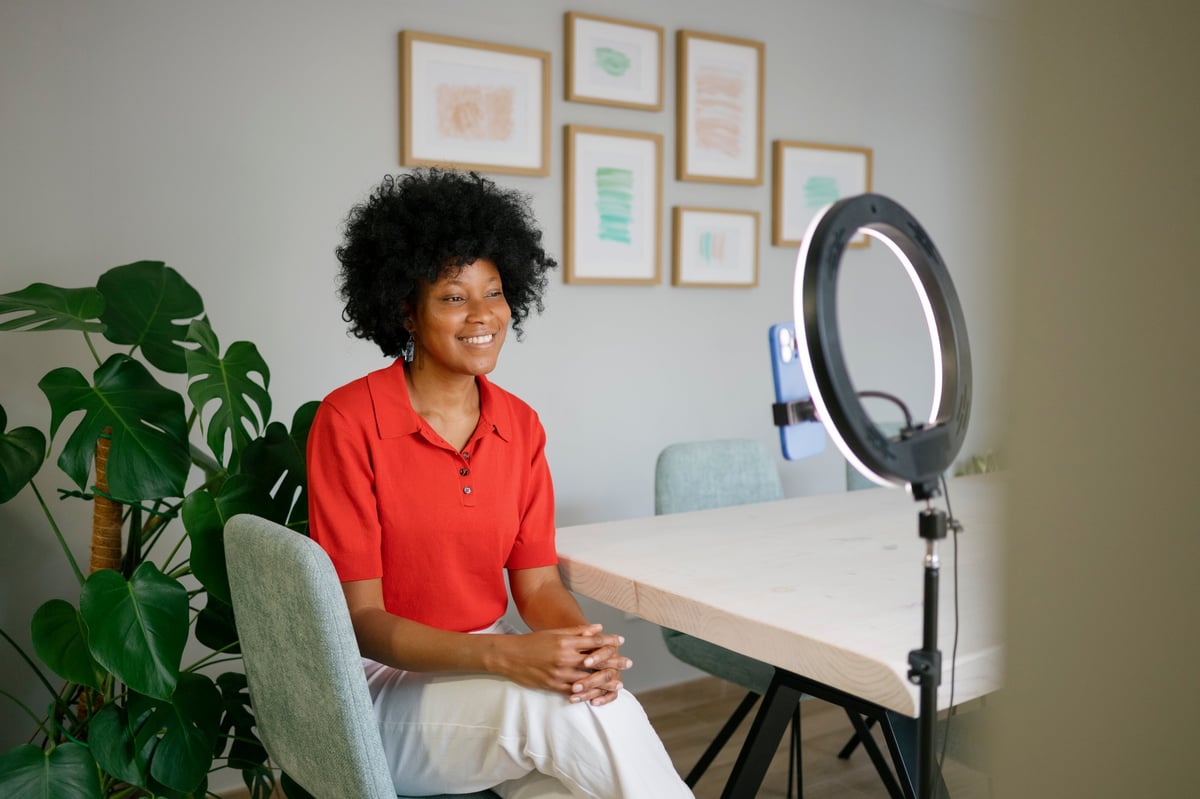
The Ring Light
Ring lights get mocked as influencer gear, but they solve a real problem: even, shadow-free frontal lighting. Positioned behind or around your monitor, a small ring light fills in the shadows that desk lamps create. You don't need a giant one — a 10-inch ring light with adjustable brightness and color temperature is more than enough.
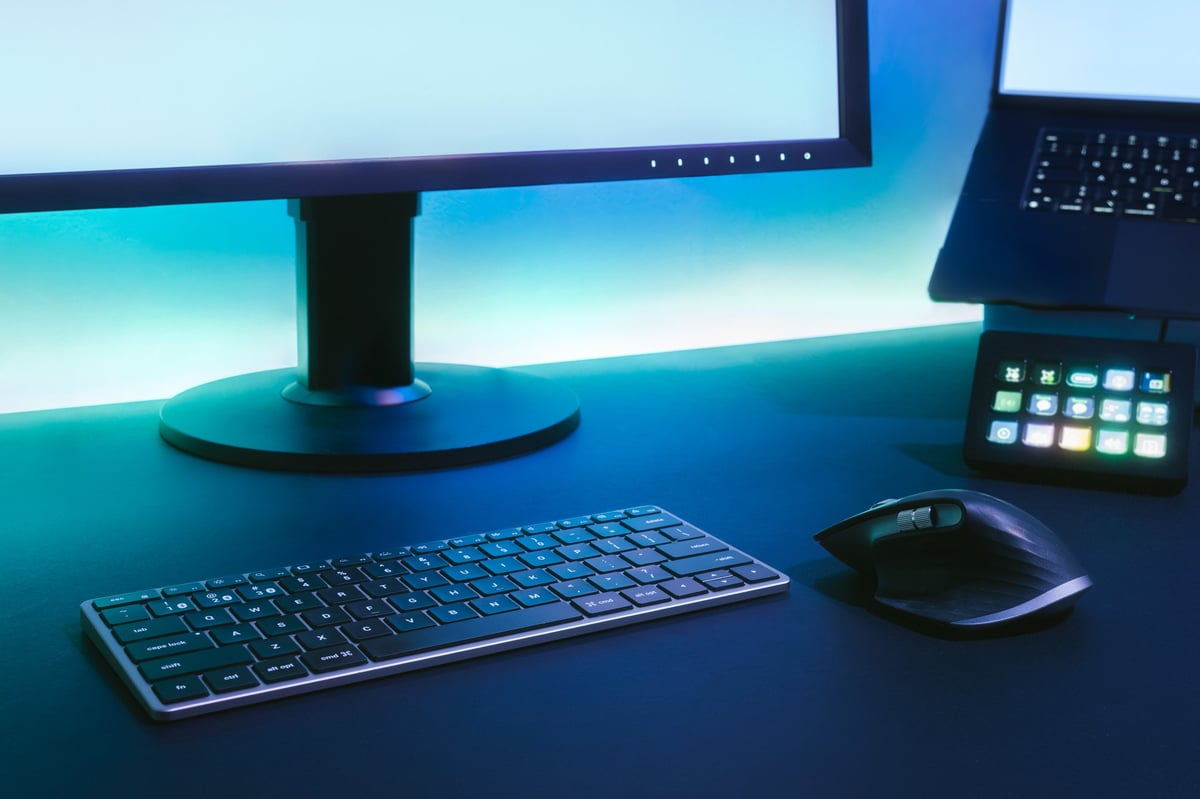
The Monitor Light Bar
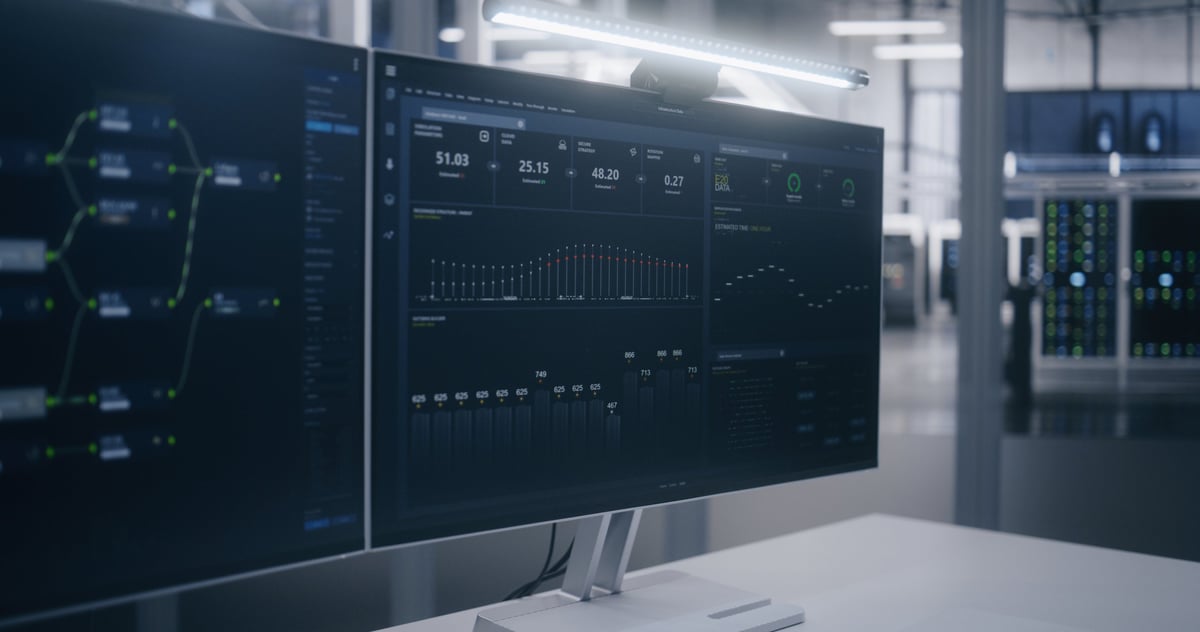
A light bar sits on top of your monitor and shines down onto your desk — not onto the screen. It reduces eye strain by balancing the brightness between your screen and the area around it, and it creates a subtle upward glow that lights your face for video calls. The BenQ ScreenBar is the gold standard, but there are good $40 alternatives.
The Two-Light Setup
One light source creates shadows. Two light sources create depth. Put your main light (key) at 45 degrees to one side of your face, and a softer light (fill) on the other side to soften the shadows. You can do this with two desk lamps, a lamp + a window, or a lamp + a ring light. This is the setup that makes people ask 'what camera are you using?' when it's actually just good lighting.
What's Behind You
Matters
Your background sends a signal before you say a word. Here are four backgrounds that make you look intentional, not like you forgot you had a meeting.
The Bookshelf Background
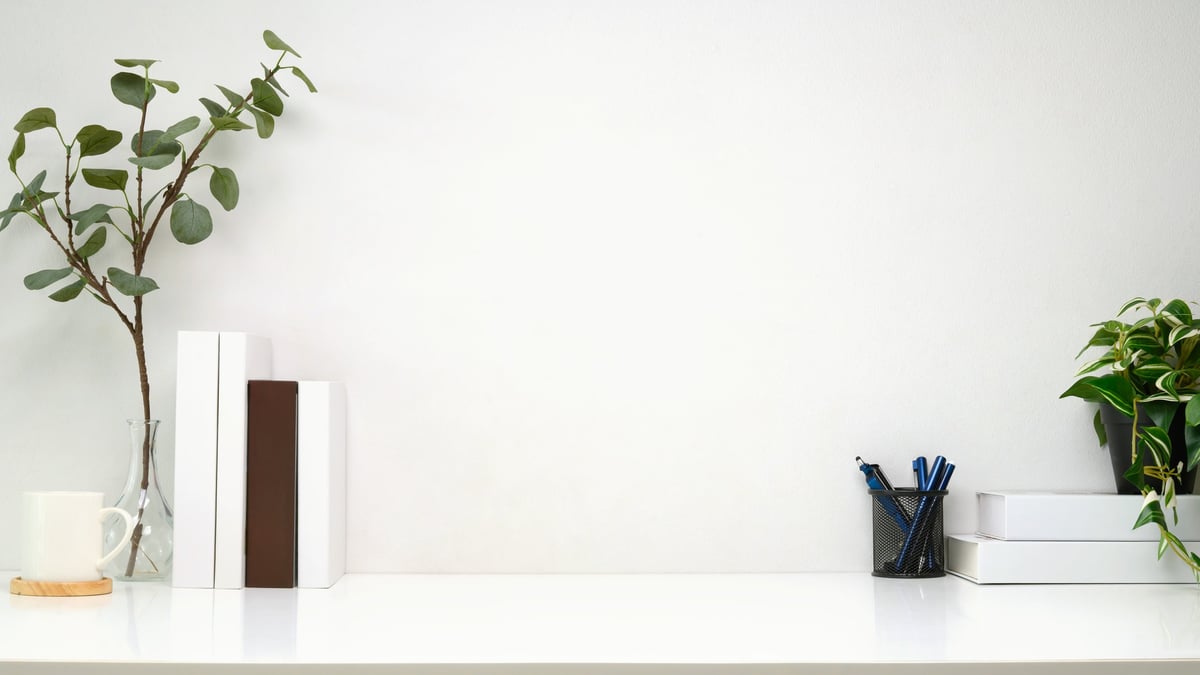
A bookshelf or shelf wall behind you says 'I read things and I have a personality.' The key is editing: you want it to look lived-in but not chaotic. Mix books with a plant, a small object, or a framed photo. Leave some empty space — floor-to-ceiling stuffed shelves read as clutter on camera.
Do This
- + Mix books with a plant or small object for visual breaks
- + Leave some gaps — don't pack every shelf tight
- + Arrange books both vertically and in small horizontal stacks
- + Keep the shelf at eye level in frame — anything above gets cut off
Avoid
- − A rainbow-organized bookshelf — it reads as 'trying too hard'
- − Personal photos visible on camera (keep those on a different wall)
- − Empty shelves with one sad object on each

The Plant Wall
One or two visible plants behind you makes any background better. They add depth, color, and a subtle 'I have my life together' energy. A trailing plant on a shelf above you, a fiddle leaf fig in the corner, or a small cluster of plants on a console table behind your desk — any of these work.
Do This
- + A tall plant (fiddle leaf, snake plant) in one corner framing the shot
- + Trailing plant (pothos) on a shelf — it draws the eye up
- + Group 2–3 small plants together rather than scattering singles
- + Fake plants are fine if they're good quality — no one can tell on Zoom
Avoid
- − A dying plant in the background — it's distracting and mildly sad
- − Too many plants — you're on a work call, not in a greenhouse
- − Plants blocking your face or casting weird leaf-shaped shadows
The Gallery Wall
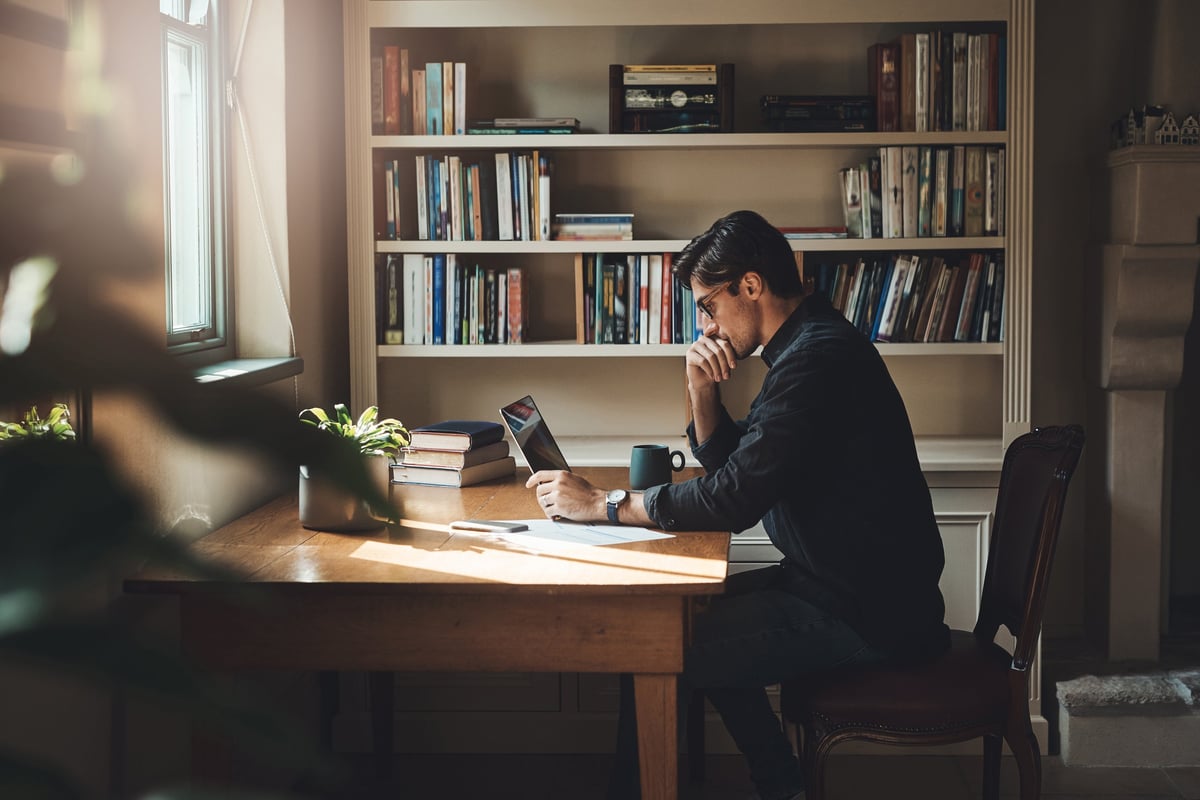
A curated arrangement of art, prints, and objects on the wall behind you is a background with personality. Mix frame sizes and shapes. Include one or two small shelves with objects you can rotate. The gallery wall IS your Zoom background — make it interesting enough that people ask about it.
Do This
- + Mix frame sizes — one large piece anchors, smaller ones orbit
- + A small shelf with 2–3 objects adds depth beyond flat frames
- + Leave breathing room between pieces — gallery walls need negative space
- + Colors that complement your typical shirt colors (you'll thank yourself later)
Avoid
- − Too many small frames — from a distance it looks like visual static
- − Glossy glass on frames that catch the light and glare on camera
- − Anything offensive, political, or NSFW — even if it's 'just art'
The Clean Wall
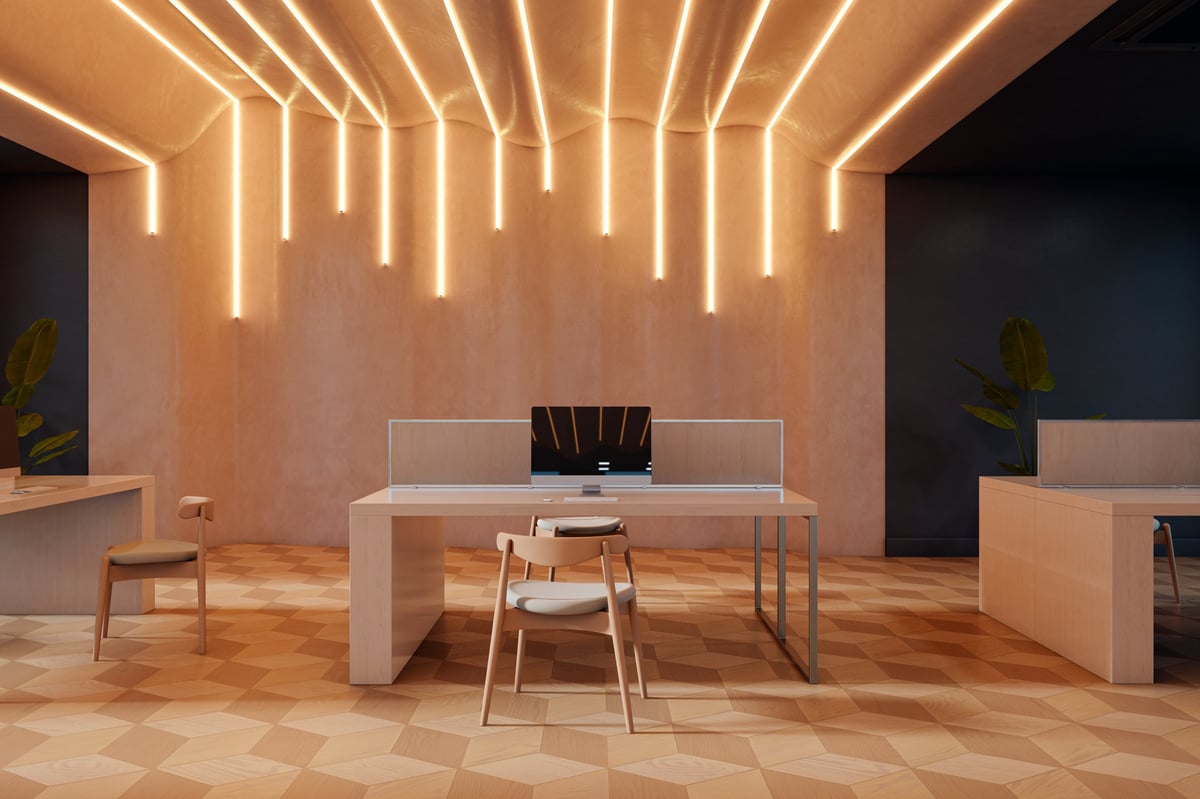
A plain wall is fine — if you make one small choice. Paint it a color (warm cream, soft sage, muted blue — not white, which blows out on camera). Or add one piece of art centered behind you. A single framed print, a textile, or even a nicely hung guitar is better than a blank white wall that makes every call feel like a hostage video.
Do This
- + Warm cream, soft sage, or muted blue wall — never stark white on camera
- + One large piece of art centered behind you is enough
- + A textile or tapestry adds texture without the glare of framed glass
- + Make sure the wall color doesn't blend with your skin tone on camera
Avoid
- − Stark white walls — they blow out exposure and make you look washed out
- − A completely empty wall with nothing — it reads as 'I just moved in'
- − Peeling paint, scuffs, or marks visible on camera
Which Bulb
for What
Desk lamps, cozy rooms. Makes skin look warm and natural on camera. Your default choice.
Mixed lighting rooms. Good when you have some natural light and want the lamp to blend without looking yellow.
Garages, workshops, task lighting. Too harsh for most home offices. Makes you look pale on camera. Avoid for Zoom.
One Lamp Can Change
Everything
The best part about lighting upgrades: they're cheap, they take five minutes, and you'll notice the difference on your very next call. Turn off the overhead light, point a warm lamp at your face, and see what happens.