

Tools & Tech
Work-From-Home Tech That Doesn't Break the Bank
Every laptop, monitor, accessory, and piece of software on this page is under $500 — most under $100. Plus the buying strategies that save you hundreds more.
What you need to spend on software to have a fully functional remote work setup — open source and free tiers cover almost everything
Of remote workers say their company doesn't pay for their home office equipment — that's why buying smart matters
The minimum you need for a solid WFH laptop — refurbished business-class machines are the secret nobody talks about
How long a refurbished ThinkPad or Latitude typically lasts — longer than most new $400 consumer laptops

Budget Laptops
The computer is where most people overspend. You don't need a $2,000 MacBook to answer emails and join Zoom calls.
Refurbished ThinkPad T480
~$200–250The Toyota Corolla of laptops — indestructible, easy to repair, replacement parts are everywhere. The T480 was the last ThinkPad with a removable battery. 8th-gen i5, 16GB RAM, 256GB SSD — plenty for remote work.
4.4★ · USB-C charging · 14" FHD IPS · Windows 11 ready
Refurbished Dell Latitude 7490
~$200–280Dell's business line — built for corporate fleets, sold for pennies on the dollar. Same 8th-gen i5, 16GB RAM sweet spot. Slightly lighter than the ThinkPad, better trackpad, still very repairable.
4.3★ · 14" FHD · 16GB RAM · Backlit keyboard · 3.2 lbs
Refurbished MacBook Air M1 (2020)
~$400–500The M1 chip changed everything — this 5-year-old laptop still outperforms most new $600 Windows machines. 15-hour battery, silent (no fan), and Apple's build quality. The best value in the entire laptop market right now.
4.8★ · M1 chip · 13" Retina · 15hr battery · 2.8 lbs · Silent
HP EliteBook 840 G6
~$220–300The underrated budget pick. Same internals as the ThinkPad and Latitude but often $30–50 cheaper because HP's brand doesn't carry the same cult following. Solid aluminum build, good keyboard, and easier to find with a touchscreen.
4.2★ · 14" FHD (touch option) · 16GB · 256GB SSD · Bang & Olufsen audio
Budget Monitors
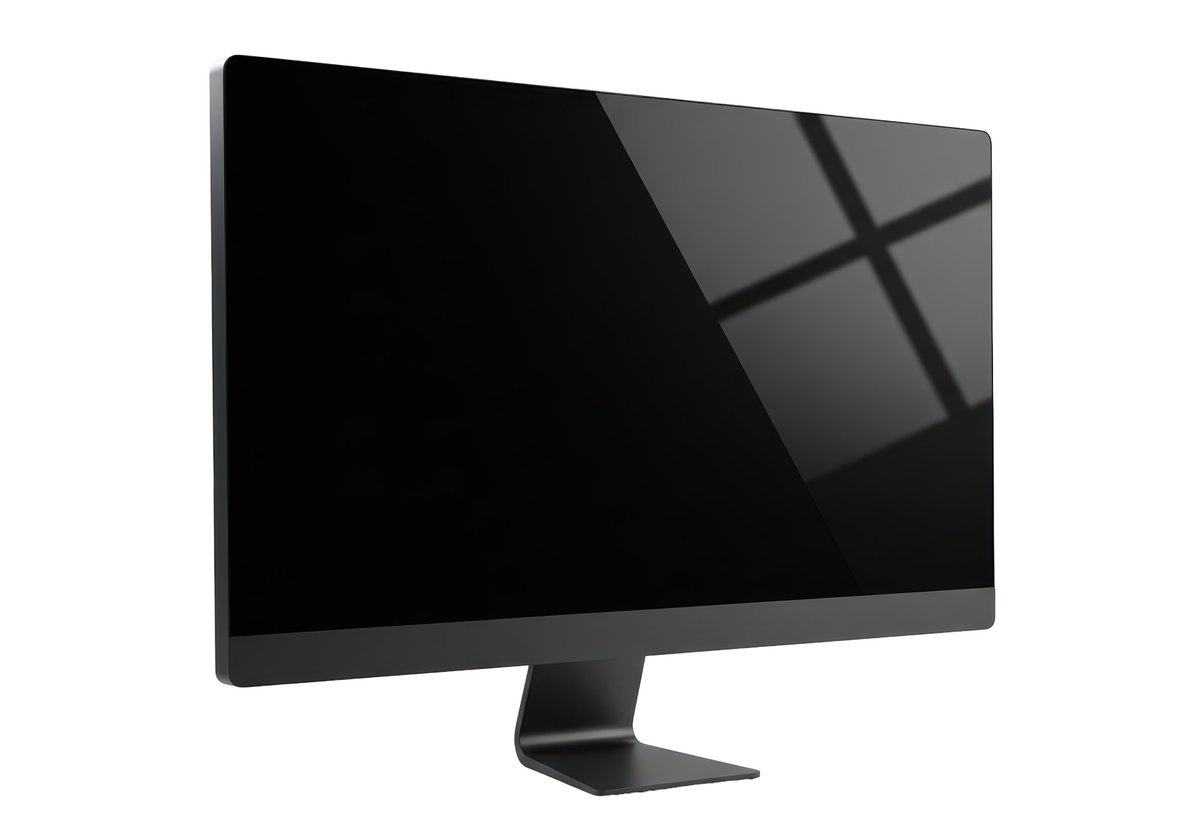
The single best upgrade for your work-from-home life. A second screen makes you faster at literally everything — and good ones start at $80.
Dell P2419H (Used/Refurbished)
~$60–80Dell's office fleet monitors flood the used market. 24" IPS, 1080p, thin bezels, VESA mountable, and the stand adjusts height/tilt/swivel — rare at this price. Grab two for $140 and have a dual-monitor setup.
4.5★ · 24" 1080p IPS · Height/tilt/swivel stand · VESA · 60Hz
Acer KB272 EBI
~$100 (new)The best brand-new monitor under $120. 27" IPS, 1080p, 100Hz refresh rate (smoother scrolling), and AMD FreeSync. The stand is basic but it has VESA mounts. Bigger screen = fewer Alt-Tabs.
4.3★ · 27" 1080p IPS · 100Hz · FreeSync · 1ms VRB · VESA
LG 24MP400-B
~$90 (new)LG's entry IPS panel. Color accuracy is excellent out of the box, the anti-glare coating works well in bright rooms, and it sips power (18W typical). On-screen control software means you don't touch the physical buttons.
4.4★ · 24" 1080p IPS · Anti-glare · Reader Mode · 75Hz · 18W
Used 27" iMac as External Display
~$100–150 (used 2012–14)Weird but brilliant: old 27" iMacs (2012–2014) work as external displays via Target Display Mode. That's a 1440p 27" display with a built-in webcam and speakers for $100-150. Only works with Macs, but the display quality is stunning.
4.3★ · 27" 1440p · Built-in speakers/webcam · Mac-only · Target Display Mode
Free Software That Replaces Paid
Before you subscribe to anything, check if there's a free tool that does the same thing. These are the free alternatives that are genuinely better than some paid options.
LibreOffice → Microsoft Office
FreeFull office suite — word processor, spreadsheets, presentations. Opens and saves .docx/.xlsx/.pptx files. No AI assistant, no cloud features, but it does 95% of what most people use Office for. 15 years of development.
200M+ downloads · Windows/Mac/Linux · .docx/.xlsx/.pptx compatible · Offline
GIMP → Photoshop
FreeImage editor powerful enough for professional work. Layer support, masks, filters, and a huge plugin ecosystem. The learning curve is real but there are excellent free tutorials. For basic photo editing and graphics, it's overkill in the best way.
28+ years active · Plugins · PSD support · Layer-based · Scriptable
DaVinci Resolve → Adobe Premiere
Free (Pro $295 one-time)Hollywood-grade video editor and color corrector. The free version does 95% of what Premiere Pro does — multi-track editing, color grading, audio mixing, and FX. Used on actual feature films. The free tier is intentionally generous.
4K export · Multi-track · Color grading · Visual FX · Fairlight audio
Figma Free → Adobe XD / Sketch
Free (3 design files)The industry standard for UI design, and the free tier is genuinely useful. Three design files, unlimited personal drafts, and all the core features. If you're designing websites, graphics, or presentations, this replaces 2-3 paid tools.
3 files · Unlimited drafts · Real-time collab · Browser + Desktop · Plugins
Budget Accessories That Punch Up
Small things that make a big difference — all under $30, all worth more than they cost.
Anker Wireless Vertical Mouse
~$20Vertical mice reduce wrist strain by keeping your hand in a handshake position. Anker's version is $20 and rivals $80 ergonomic mice. The DPI switch lets you adjust sensitivity on the fly. Battery lasts months.
4.3★ · Ergonomic · Wireless · DPI switch · 2×AAA (included)
Laptop Stand (Aluminum Foldable)
~$18–25Raises your laptop screen to eye level — instantly fixes neck strain. Foldable aluminum stands are stable, portable, and work with any laptop. Pair with a $20 keyboard and you have a proper ergonomic setup for under $45.
Eye level · Foldable · Ventilated · Universal fit · Anti-slip pads
Logitech K380 Keyboard
~$25–30Compact Bluetooth keyboard that pairs with 3 devices and switches between them with one button. Laptop, tablet, phone — type on all three. 2-year battery life on 2×AAA. The round keys are a design choice (some love it, some don't).
4.6★ · Bluetooth · 3 device switch · 2yr battery · 14.9oz · Compact
Blue Light Blocking Glasses (Tifosi)
~$25The cheapest way to reduce eye strain. Tifosi's computer glasses filter blue light without the ugly yellow tint. They're lightweight enough to forget you're wearing them. More effective than screen software filters.
4.4★ · Lightweight · Anti-reflective · Minimal tint · Durable frame
How to Think Like a Budget Buyer
The right buying strategy saves more than any coupon code. These six rules have saved me thousands.
Buy refurbished, not cheap-new
A refurbished $700 business laptop at $250 will outlast a brand-new $300 consumer laptop. Business machines (ThinkPad, Latitude, EliteBook) are built for corporate IT departments who demand 3-5 year lifespans. Consumer laptops are built for a 2-year upgrade cycle. Always buy the used business machine.
Save $150–400 vs new equivalentAmazon Warehouse for 'Like New' deals
Amazon Warehouse sells returned items at 20-40% off. Monitors, keyboards, and webcams are frequently returned just because someone changed their mind. The 'Used - Like New' condition means the box was opened but the item is pristine. Same return policy as new items.
Save 20–40% on accessoriesStudent discounts even if you're not a student
Many platforms verify student status through .edu email alone. If you took one community college class 5 years ago and still have the email, it counts. Also: some platforms accept any school enrollment (including free Coursera courses). Worth checking before buying anything.
5–20% off at Apple, Adobe, Dell, etc.Buy monitors used — they basically don't wear out
Monitors have no moving parts. A 5-year-old Dell Ultrasharp works exactly as well as it did on day one. Office liquidations and eBay sell the same $300-400 monitor for $60-80. Check for dead pixels and backlight bleed before buying, but these are the safest used tech purchase.
Save $200+ per monitorStart with free software, upgrade only when blocked
Don't subscribe to things preemptively. Start with the free tier or open-source alternative, and only pay when you hit a real limitation. Most people never hit the free tier limits on Notion, Todoist, Figma, Slack, or Zoom.
Save $50–100+/mo in subscriptionsCheck Back Market and Swappa for warranties
Unlike eBay, Back Market and Swappa offer 1-year warranties on refurbished electronics. You pay slightly more than eBay but get buyer protection, quality checks, and a real return policy. Worth the 10-15% premium for peace of mind on a laptop purchase.
1-year warranty + 30-day returns4 Things Budget Buyers Should Skip
Not everything cheap is a good deal. These are the corners not worth cutting.
The cheapest webcam you can find
A $15 no-name webcam will make you look worse than your laptop's built-in camera. If your built-in camera is bad (pre-2020 ThinkPads, I'm looking at you), spend at least $40 on a used Logitech C920. Bad video quality makes you seem less competent in meetings — that's not worth saving $25.
A $30 'gaming' mouse
Cheap gaming mice have RGB lights and aggressive styling but terrible sensors and switches that develop double-click problems in 3 months. A $20 office mouse from Logitech or Microsoft will feel better and last longer. RGB doesn't make you click faster.
The cheapest standing desk converter
A $50 wobbling platform that holds your laptop at an angle is worse than a $20 laptop stand. If you want standing desk capability, save up for a proper one ($150+) or use a stack of books as a test run. A bad standing desk hurts your wrists and your mood.
The printer you'll use twice a year
Cheap printers are ink subscription traps. The $40 printer costs $60 in ink every 3 months. If you rarely print, use your local library (10-15¢ per page) or FedEx Office. If you print often, spend $200+ on a tank printer that comes with 2 years of ink.
Smart spending feels better than cheap buying
The goal isn't to spend as little as possible — it's to spend exactly where it matters and skip the rest. A $250 ThinkPad and a $20 laptop stand can make a better workstation than a $1,500 laptop alone.